
The WordPress landscape in 2026 looks nothing like it did three years ago. WordPress now powers roughly 43.4% of every website on the internet and commands a 59.2% share of the CMS market, so the template you choose quietly decides how fast your site loads, how well it converts and how Google’s algorithms treat it. Templates are no longer a design choice; they are a revenue decision.
In this guide, we break down the WordPress template trends defining 2026, the exact features separating high-converting sites from average ones and the common template mistakes still costing businesses real conversions. You will also get a forward-looking checklist to keep your website modern as new WordPress releases roll out.
TL;DR
Here is a quick summary of what is inside the blog post.
| Trend | Why It Matters in 2026 | Quick Win |
| AI-Enhanced Templates | Personalizes layouts per visitor | Use AI template builders inside WordPress |
| Minimal Yet Interactive Design | Lower bounce rate, higher scroll depth | Replace heavy sliders with subtle micro-interactions |
| Mobile-First Templates | 64.35% of global traffic is mobile | Test every page at 360px width first |
| Lightning-Fast Performance | Only ~48% of sites pass Core Web Vitals on mobile | Aim for LCP under 2.5s |
| Modular & Block-Based Design | Faster edits, no developer dependency | Adopt Full Site Editing themes |
| Conversion-Focused Landing Pages | Tightens the visitor-to-lead funnel | Use ready-made landing packs |
| Accessibility-First Templates | 95.9% of sites still fail basic WCAG checks | Add skip links, contrast and keyboard nav |
| Dark Mode & Adaptive Color | 82% of smartphone users prefer dark UI | Offer a theme toggle |
| Visual Storytelling | Increases on-page time and emotional recall | Use scroll-driven sections |
| Ecommerce-Ready Templates | Powers the bulk of WooCommerce stores | Pick Woo-ready kits over generic themes |
Why WordPress Template Trends Matter in 2026
Templates set the ceiling for everything your site can do, from page speed to accessibility to the way Google ranks you. When you ignore what is working in 2026, you leave conversions, bounce rate and SEO on the table. Below are the three forces shaping why the trend conversation matters right now.
User Expectation
The average visitor now expects a site to feel like an app: fluid, fast and personal. The 2025 Web Almanac reports that only about 48% of mobile pages and 56% of desktop pages pass all three Core Web Vitals. That means more than half of sites are still failing user expectations at the loading layer alone, before design even gets a chance.
Impact of AI
AI is no longer a buzzword stapled to a landing page. Inside the WordPress ecosystem, AI template builders like Templately’s AI can match a 6,500+ template cloud to a business description in seconds. That shift is forcing every template provider to embed AI-driven personalization, content generation or layout adaptation or fall behind.
Outdated Templates Hurt Conversions
Outdated templates look fine on the surface but quietly let visitors slip away every day, because they were built for a web that no longer exists. Sections stop aligning the moment a new plugin is installed, animation blocks glitch on the latest browsers and the same form that worked last year suddenly stops sending leads without any visible error message. Every one of these problems chips away at the people a business worked hard to attract, turning a steady stream of visitors into a slow leak of customers who quietly leave for a competitor whose site simply works and looks current.
Top WordPress Template Trends Dominating 2026
The trend list below is what is working in real production websites this year. Each one ties back to measurable user behavior or business outcomes.
AI-Enhanced Templates
AI-enhanced templates now ship with built-in prompts that generate copy, swap hero images and personalize sections based on visitor intent. Tools like Templately AI let you describe your business and ship a complete, on-brand site the same day.
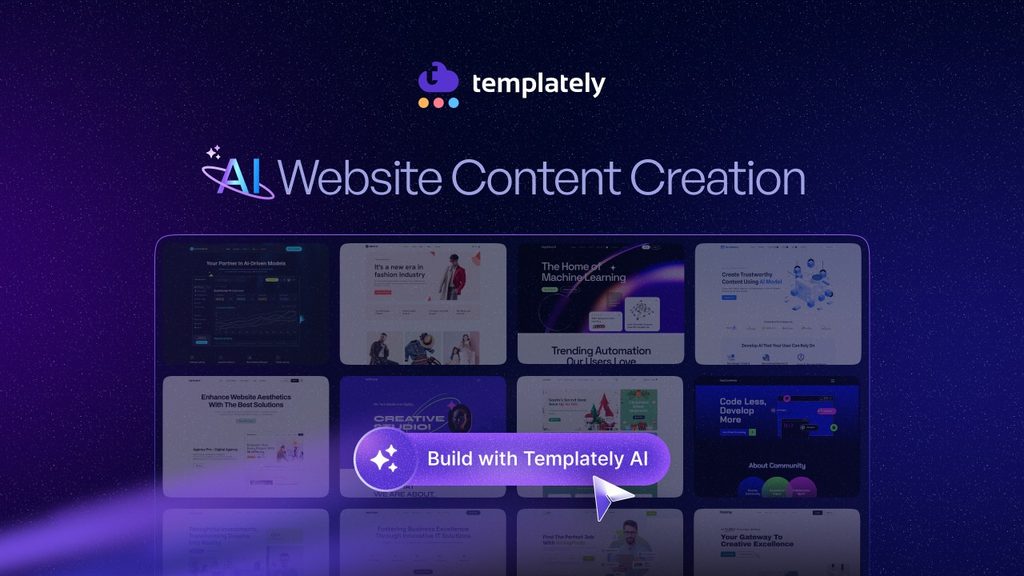
Example: a local bakery’s prompt returns a homepage fully populated with menu sections, a reservation block and a contact form.
Minimal Yet Interactive Design
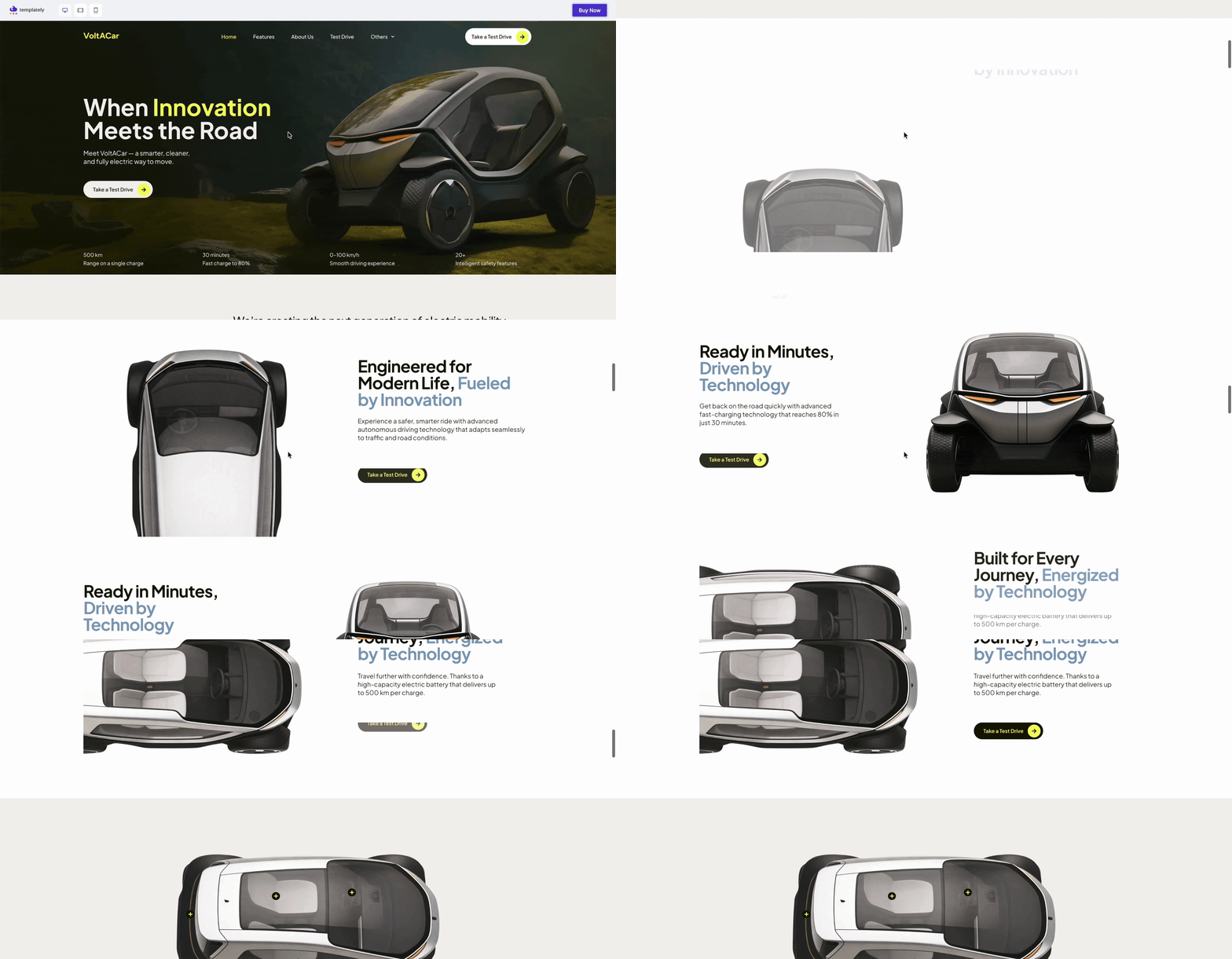
Minimalism has matured. Visitors want fewer elements per screen but expect micro-interactions, hover states and scroll reveals so the page feels alive. Removing heavy sliders and replacing them with a single animated hero typically drops bounce rate by single-digit percentages while increasing scroll depth.
Mobile-First Templates
Mobile devices account for 64.35% of all global web traffic as of mid-2025. Mobile-first templates now design every breakpoint from the smallest screen up rather than treating it as an afterthought, which is critical because Google’s indexing is mobile-first.
Lightning-Fast Performance
Performance is the new design. Templates in 2026 are built lean by default, with deferred JavaScript, inlined critical CSS and lazy-loaded media so LCP stays under 2.5 seconds. According to research compiled by Ateam Soft Solutions, underperforming Core Web Vitals can cost 8–35% of conversions.
Modular & Block-Based Design
Full Site Editing (FSE) continues to reshape how templates are assembled. WPBakery’s analysis of recent WordPress releases notes that around 1,045 of 3,486 uploaded themes are block-based FSE themes, with growth accelerating each month. Modular designs let marketers rearrange hero, pricing and footer blocks without touching code.
Conversion-Focused Landing Pages
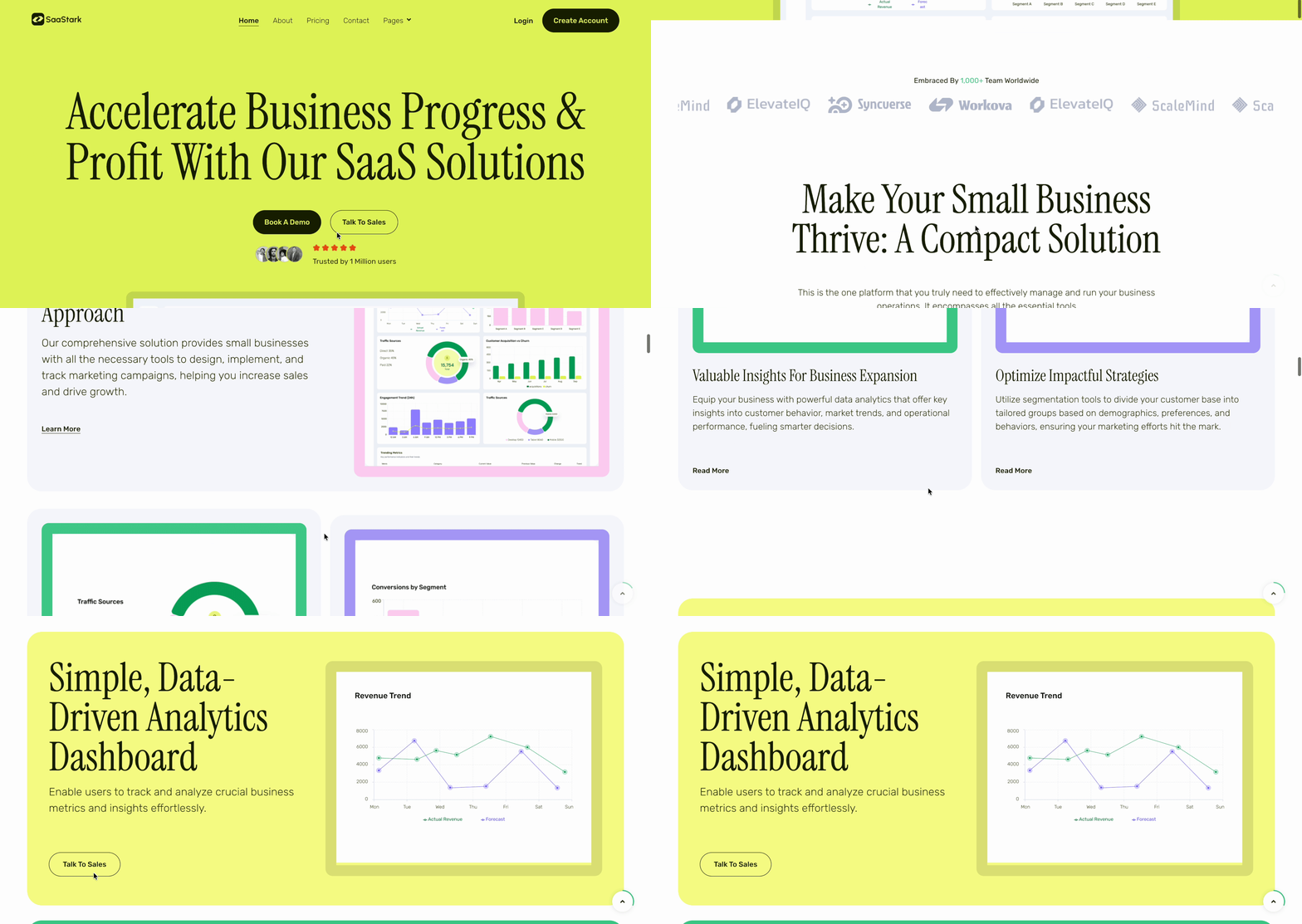
Landing-page-ready templates now ship with entire funnels pre-wired: hero, social proof, feature comparison, lead form and footer. Templately’s template packs are a good example, offering 6,500+ ready templates that include marketing sections out of the box.
Accessibility-First Templates
WebAIM’s 2025 audit found that 95.9% of homepages still contain detectable WCAG conformance failures, with an average of 56.8 errors per page. Accessibility-first templates bake in skip links, focus states, ARIA labels and proper contrast so you start compliant instead of retrofitting later.
Dark Mode & Adaptive Color Schemes
Dark mode has moved from a trend to a default behavior. Roughly 82% of smartphone users now have dark mode enabled on their devices. Templates with adaptive color schemes respect the user’s system preference, which can extend average session time by up to 20% during evening hours.
Visual Storytelling
Scroll-driven sections, sticky narratives and animated typography turn a static template into a story. Brands using visual storytelling report longer on-page time because each section pushes the visitor forward instead of asking them to scan for value.
eCommerce-Ready Templates
WooCommerce powers the largest share of WordPress stores and eCommerce-ready templates now ship with product grids, quick view, cart drawers and checkout-optimized layouts already wired. Choosing a Woo-ready kit over a generic theme removes hours of plugin customization.
Features Every High-Converting WordPress Template Should Include
A trend is only useful if your template makes it practical. Below are the non-negotiable features that turn a 2026 template into a real conversion engine.
Fast Loading Speed
Speed is the first impression. Prioritize templates that score 90+ on PageSpeed Insights for mobile out of the box, enforce image lazy loading and keep above-the-fold CSS critical. The wpostats case mentioned earlier proves the revenue upside, with a 50% LCP cut driving a 3% conversion lift.
That’s exactly the gap xSpeed Cache was built to close, automated lazy loading, critical CSS delivery and mobile-first optimization baked in, so you hit that 90+ score without hand-tuning every template.
SEO-Friendly Structure
Templates should output clean semantic HTML, schema-ready markup and proper heading hierarchies so search engines can crawl every section without workarounds. Built-in support for breadcrumbs, canonical tags and Open Graph is now table stakes.
Built-in Marketing Sections
Pre-built blocks for testimonials, pricing tables, CTAs, lead forms and FAQ accordions remove the need for extra plugins. Templately packs include these sections as drag-and-drop pre-built blocks so you can assemble a sales page in minutes.
Clean Code & Performance Optimization
Templates in 2026 are stripped of unused assets, jQuery dependencies and bloated page builders. Clean code means fewer security patches, faster updates and smaller payloads, which is exactly what Core Web Vitals reward.
Easy Customization
Non-technical editors should be able to swap colors, fonts and layouts from the WordPress Customizer without breaking the design. Templately is built for this exact flow, letting teams update a live page without staging environments.
Common Template Mistakes That Reduce Conversions
Even great templates fail when installed poorly. These are the six mistakes we see most often and they directly drag down your conversion rate.
- Choosing design over usability: flashy animations and oversized hero images look impressive but raise load times and push CTAs below the fold.
- Using overly complex layouts: dense grids, multiple sidebars and competing CTAs confuse visitors about what action to take next.
- Ignoring page speed: heavy template bundles add 1–3 seconds to LCP and quietly bleed conversions every month.
- Inconsistent branding: mismatched fonts and colors across templates hurt recall and erode trust at the moment of decision.
- Poor mobile optimization: with 64.35% of traffic on mobile, a layout that breaks at 360px is a funnel leak.
- Weak call-to-action placement: CTAs hidden below the fold, in low-contrast colors or competing with secondary buttons reduce click-through.
How to Keep Up with Future Trends in Templates
Trends move quickly, but maintaining a forward-looking rhythm is simpler than it sounds. The five habits below keep your site modern without constant rebuilds.
- Follow WordPress releases: Track major, minor and security releases on the official WordPress.org blog so your template stays compatible and secure.
- Monitor UI/UX trends: Review design publications quarterly and bookmark standout examples so you have a fresh reference library.
- Test user behavior regularly: Use heatmaps and session recordings each quarter to spot friction before it becomes a conversion problem.
- Update templates consistently: Schedule a template audit every six months to swap outdated blocks, refresh fonts and remove dead sections.
- Use modern template libraries: Lean on a single, well-maintained source like Templately’s 6,500+ template cloud so updates stay compatible and on-trend.
Build Smarter WordPress Sites in 2026
A high-converting WordPress site in 2026 is the sum of small template choices: an AI-assisted layout, a mobile-first structure, dark mode that respects the visitor’s preference and a conversion-ready footer above the fold. Pick one trend from this guide and audit your current template against it today, then book a recurring slot every quarter to audit the next one. When it is time to rebuild, start with a modern, AI-ready library like Templately’s template cloud and you will compress weeks of design and dev work into an afternoon.
Was this blog helpful? Do not forget to subscribe to our blog and join our Facebook community for more updates and fresh templates.