

Are you curious about the theme behind a stunning WordPress website design? In this blog, you will learn the tactics to help you identify the theme of any WordPress website that catches your eye. Stay tuned for a simple and smart guide to finding the right solution to detect WordPress theme of your desired website. Let us dive in!

Learning about the theme used on a website can give you insights into enhancing your own site’s design. This is a common quest for designers, developers, and business owners seeking to improve user experiences with standout designs.
For startups, understanding what your competitors use or do is crucial. Knowing the details about any WordPress website theme can be challenging, especially for beginners. This is where the importance of theme identification comes in for any WordPress site – be it through smart tactics or handy tools.
If you are just starting, figuring this all out might seem daunting. That is why we have put together a complete guide below to help you navigate the effective process of WordPress theme identification. Let us simplify the process for you!
Most Effective Ways To Find/Detect WordPress Theme
When it comes to unveiling the theme behind any WordPress website, you have two powerful options at your disposal. Whether you prefer a hands-on, manual approach or a streamlined third-party solution, we have you covered. Let us dive into both methods and help you choose the one that suits your style.
Method 1: Manually Detect Which WordPress Theme A Site Is Using
You can manually find/detect WordPress themes a site is using by examining its page source, provided the website has not concealed its source code details. To do this, simply visit the site, right-click on any section, choose the ‘View Page Source’ option, and it will lead you to a new page displaying all the source codes. There you can look for a theme option to know which theme a WordPress site is using.

Method 2: Best Tools For WordPress Theme Identification
If you are not able to know which theme is used by any of your favorite, competitors, or other websites that you are curious to know, you can easily do that by using any of these popular WordPress theme identifiers like Kinsta, IsItWP, WP Theme Detector, and ScanWP. These will help you get the full information about which theme a WordPress website is using. Let us get to know each one by one in detail below:
Kinsta – WordPress Theme Identifier
Kinsta comes with a completely free tool to identify which theme any WordPress website is using without any limitations. Go to this Kinsta WordPress theme identifier site, paste your desired website link in the search panel, and hit the ‘Search’ button.

It will then automatically provide you with related WordPress theme information along with whether the site is built with WordPress, the version of the theme, and all details.
IsItWP – WordPress Theme Identifier
IsItWP site helps you find/detect WordPress themes for any of your required sites. This tool is also free to utilize. First, navigate to the IsItWP website, paste your desired website link in the search panel, and hit the ‘Analyze Website’ button.
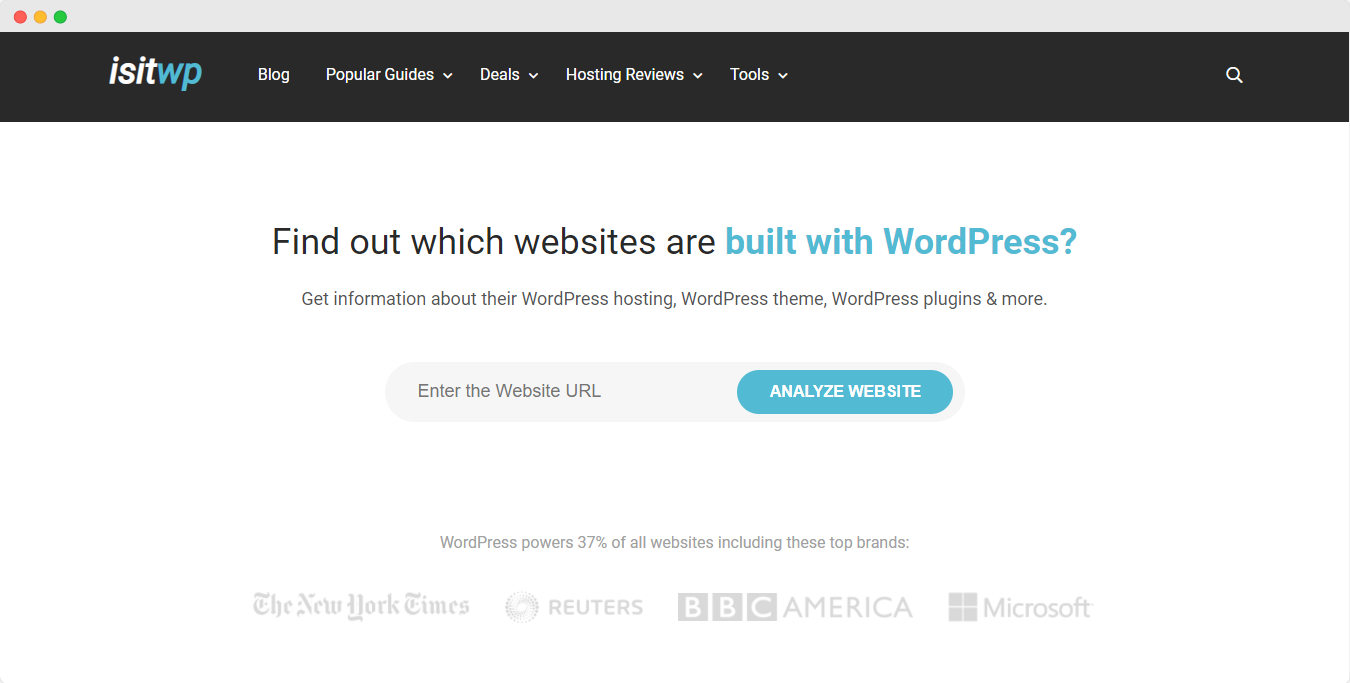
Afterward, you will automatically get the detailed theme information. If the IsItWP site does not have the theme name registered in its directory, it will display a sorry message. This occurs when a website uses a custom theme or has not included that name in its database.
ScanWP – WordPress Theme Identifier
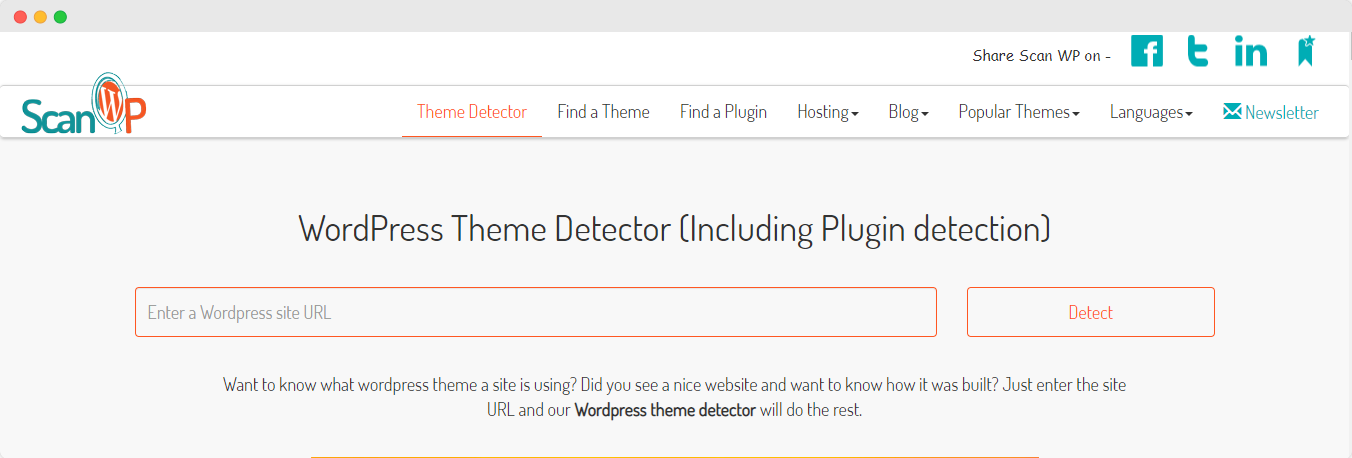
ScanWP is another popular WordPress theme identifier site that is completely free. Simply copy and paste the link into the search panel, initiate the analysis, and it will automatically enlighten you with comprehensive details about the theme, among other information. This process allows you to easily discover which theme the desired WordPress site is using.
WPDT – WordPress Theme Detector
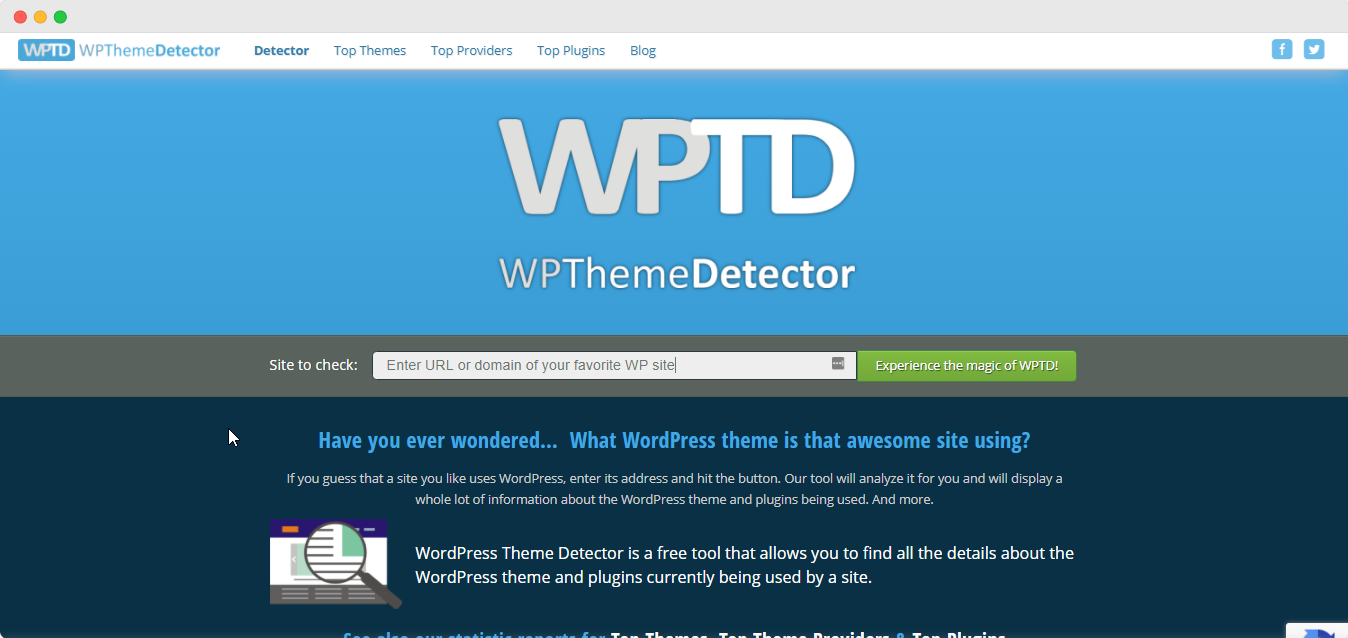
With WP Theme Detector, one of the fully- functional popular sites for WordPress theme detection. Similarly, you have to insert your preferred site link in the search bar and hit the ‘Experience the magic of WPDT’ button. It will provide you with complete information on which theme it is using along with other information.
Identify Your Desired WordPress Theme Now!
Now, identifying the theme used by any WordPress website is a breeze with these effective WordPress theme identifiers mentioned above. Stay updated by either manually exploring or utilizing one of these reliable WordPress theme detection sites.
If you find this blog useful, share your thoughts in the comments below. For more insightful reads, subscribe to our blog site, and do not forget to join our Facebook community to connect with WordPress experts.