
Delivering client websites that are praiseworthy requires a multitude of concerns to be met and a lengthy process to be followed. For a successful WordPress agency, it is even more crucial to create a smooth, confidence-building experience that keeps clients happy and returning with referrals.
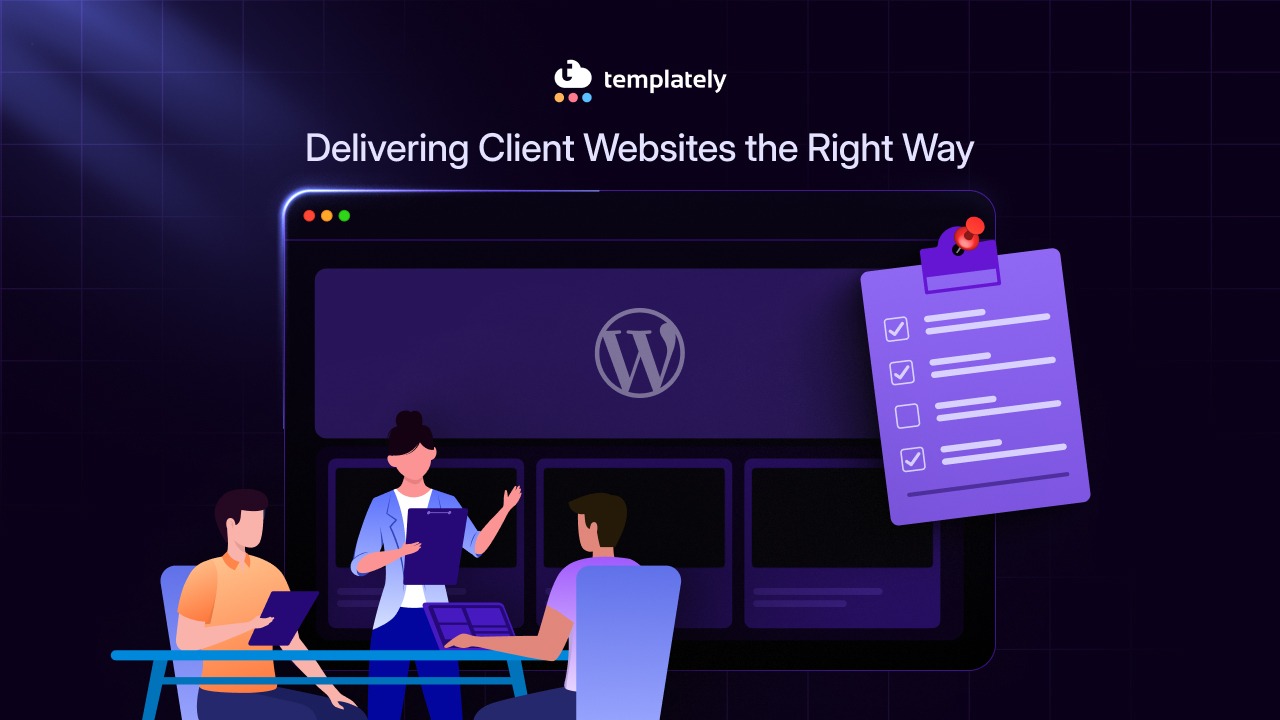
To facilitate an exemplary client experience, you need a north star. Something to guide your workflow and client interactions. That is when you need our ultimate WordPress checklist for agencies.
This guide includes a WordPress website launch checklist, an email template for website handover and dissects delivering client websites into three phases:
- The pre-launch phase is about onboarding the client, setting clear expectations and confirming ownership from the start (i.e., ensuring critical assets such as domain name, payment methods, etc., are under your client’s name and not the agency’s).
- The deployment phase is about building the site around real client needs, using a clear WordPress launch checklist. This ensures that you systematically cover the fundamentals, such as performance, security and SEO basics, rather than just focusing on design.
- The launch phase is about handing the site over smoothly so clients feel confident managing it without confusion and frustration.
WordPress Checklist: Difference Between Agencies And Freelance Creators
Agencies and freelancers approach WordPress projects very differently and your WordPress site launch checklist should reflect that. When delivering client sites, agencies focus on team scale, speed and repeatability, while solo creators prioritize flexibility, low overhead and hands-on control.
| Criteria | Agencies Delivering Client Sites | Freelancers Delivering Client Sites |
|---|---|---|
| Workflow | Timelines are structured; multiple projects run in parallel | Work sequentially, typically one project at a time |
| Roles | Clearly defined roles across developers, QA, and project managers | One person often handles multiple roles |
| Checklist Style | Designed for efficiency and reliability; document-heavy | Simpler, hands-on, adaptable, and flexible |
| Project Management | Use of project management software to coordinate tasks | Prefer lightweight or free tools |
| Testing / QA | Thorough QA including multi-browser/device testing | Manual testing, often done singularly |
| Website Delivery | Managed through documented processes | Focus on immediate tasks rather than documents |
| Tools & Infrastructure | Website staging, formal code clean-up, enterprise solutions | Agile approach using cost-effective tools |
| Scalability | Easier to scale due to structured processes | Harder to scale due to solo setup |
In short, agencies optimize their WordPress site launch checklist for efficiency and scale, while freelancers prioritize control and simplicity. This guide focuses on the agency workflow, breaking down a comprehensive WordPress checklist for agencies into three clear stages.
Pre-Launch WordPress Checklist for Agencies: Onboard And Prep With Professionalism
The pre-launch phase of our WordPress checklist for agencies sets the foundation for a smooth project. Its purpose is to uncover client needs through discovery, clarify ownership of domains and hosting, and complete essential technical setup before development begins. This early work prevents last-minute surprises and keeps the project on track.
Client Onboarding Essentials
Start by clarifying domain and hosting ownership. Decide who buys what, document it clearly in the contract and always request the client’s email and payment information, so everything is set up under their name.
Next, gather all key requirements upfront, including website content, branding assets, required legal pages like Privacy Policy and Terms and the user roles they might need. Close this step by signing a contract that clearly outlines milestones, payment terms and optional maintenance plans. Doing so ensures the project starts on solid ground by avoiding confusion and delays later. Signing a clear contract locks in expectations and reduces misunderstandings.
Initial Technical Foundations
Choose a reliable hosting provider that prioritizes speed and security. Set up SSL to enable HTTPS and create a staging environment so you can design, edit, tweak and rework before going live. xCloud offers a secure staging environment, free SSL certification and a hosting control panel to manage all your servers along with a White Label Plan. As an agency, you need a scalable hosting solution and xCloud delivers.
Prepare SEO from the start by defining H1–H6 heading structure and plan a logical page hierarchy with clear URLs. Add a sitemap and robots.txt for crawlability and include basic schema markup. Ensure mobile responsiveness and fast load times. Set up analytics and Search Console, and optimize images with alt text. Laying this foundation early ensures the site is crawlable, indexable and ready to perform from day one.
Configure WordPress Core Settings
Once hosting and staging are live, assign tasks to your dev team for these quick tasks. Go to Settings > General in the staging site:
- Set the correct timezone (e.g., client’s location like Toronto, UTC -05:00) and date format for accurate scheduling.
- Update admin email to client’s professional address for notifications/recovery.
Content And Legal Kickoff
Collect all content and images before development begins. That means gathering all text, graphics, logos, photos and any other media the site will use, making sure they are high-quality, properly sized and consistent with the brand identity.
At the same time, draft and confirm legal pages and ensure they meet compliance requirements. This involves creating the site’s Privacy Policy, Terms of Service and any disclaimers, tailored to the client’s business and the regions they operate in.
Also ensure GDPR (European law that governs how websites handle personal data, requiring clear consent, data protection measures and transparency) compliance. Completing content and legal prep early ensures the development phase stays focused, efficient and compliant, avoiding delays or last-minute corrections.
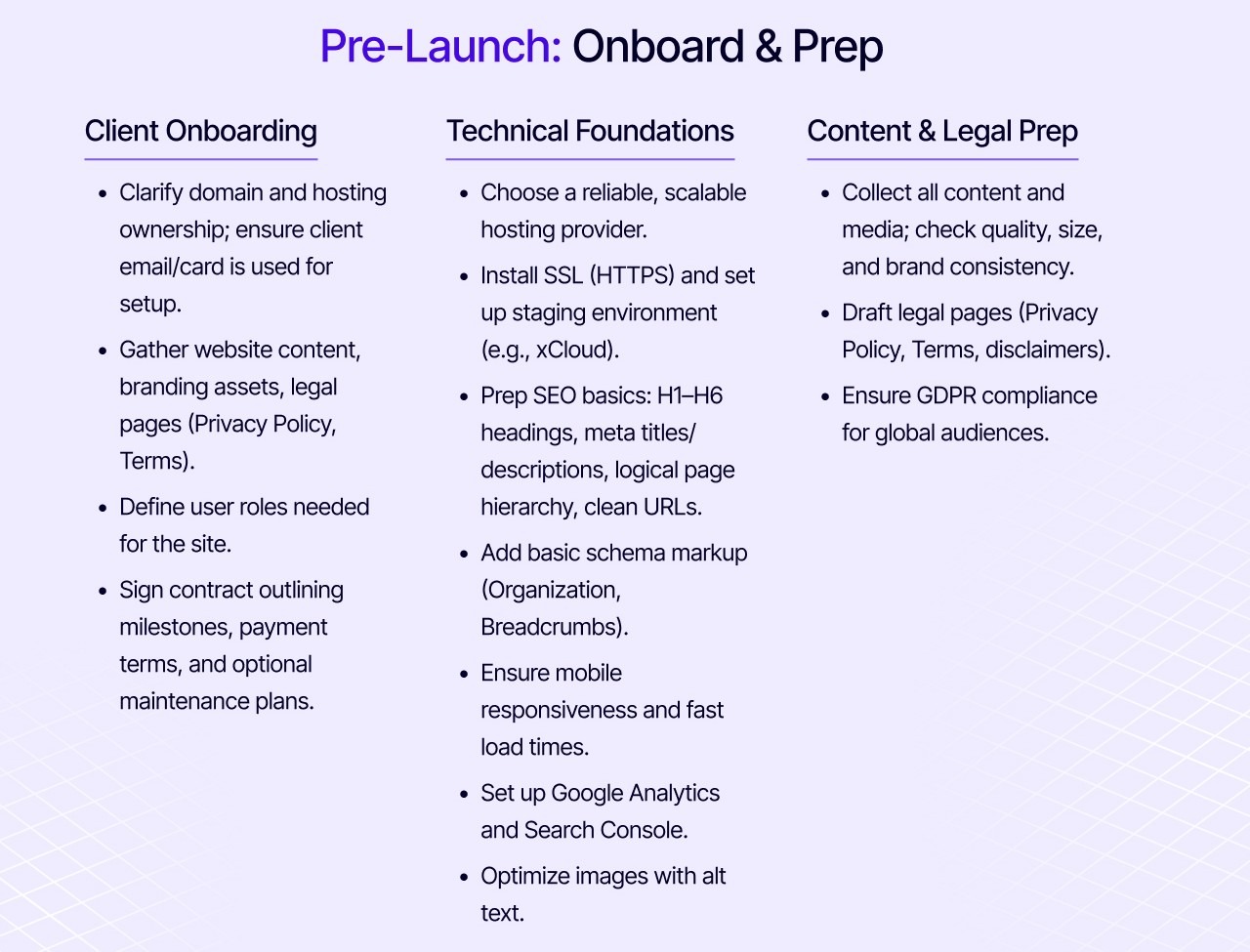
Summary: Pre-Launch WordPress Checklist for Agencies
Let us zoom out for a pre-launch checklist overview.
Client Onboarding Checklist
☑️ Clarify domain and hosting ownership; ensure client email/card is used for setup.
☑️ Gather website content, branding assets, legal pages (Privacy Policy, Terms).
☑️ Define user roles needed for the site.
☑️ Sign contract outlining milestones, payment terms, and optional maintenance plans.
Technical Foundations Checklist
☑️ Choose a reliable, scalable hosting provider.
☑️ Install SSL (HTTPS) and set up staging environment (e.g., xCloud).
☑️ Prep SEO basics: H1–H6 headings, meta titles/descriptions, logical page hierarchy, clean URLs.
☑️ Generate sitemap and robots.txt for crawl efficiency.
☑️ Add basic schema markup (Organization, Breadcrumbs).
☑️ Ensure mobile responsiveness and fast load times.
☑️ Configure WP basics: timezone/date, admin email.
☑️ Set up Google Analytics and Search Console.
☑️ Optimize images with alt text.
Content & Legal Prep
☑️ Collect all content and media; check quality, size, and brand consistency.
☑️ Draft legal pages (Privacy Policy, Terms, disclaimers).
☑️ Ensure GDPR compliance for global audiences.
Deployment Phase WordPress Checklist for Agencies: Build And Test With Client Needs in Mind
The pre-launch phase laid the groundwork by clarifying ownership, gathering content and legal requirements and setting up technical and SEO basics. During the launch phase, the focus shifts to building the site on a staging environment and making sure it works smoothly for both users and the client team. Every task here should support performance and usability, so the delivery in the end is smooth and easy.
Site Creation And Design Tasks
Before testing begins, the site needs to be designed and built based on the client’s requirements. Start by turning the content and branding information collected during pre-launch into a concrete site structure. This includes wireframing pages, defining layouts and planning navigation so the site is intuitive for users. The information from the client (images, copy, user goals and legal requirements) guides these design decisions and ensures the final product meets expectations.
Depending on your choice of block builder, Gutenberg or Elementor, or others, use drag-and-drop plugins like Essential Addons for Elementor or Essential Blocks to turn wireframes into functional pages without heavy coding.
Finalize Appearance and Core Pages
Replace placeholders with client assets: upload logo, favicon and site tagline. Use a lightweight WordPress theme like Twenty Twenty-Six, or something that is Gutenberg, Elementor, and WooCommerce-friendly.
Build the essential pages on staging:
- Homepage
- Custom 404 page with navigation links
- Contact page
To accelerate design tasks, use Templately, which offers thousands of ready-made templates that can be customized quickly. Teams can take advantage of Templately’s cloud features like My Cloud and WorkSpace, saving templates in My Cloud and editing collaboratively in Workspace.
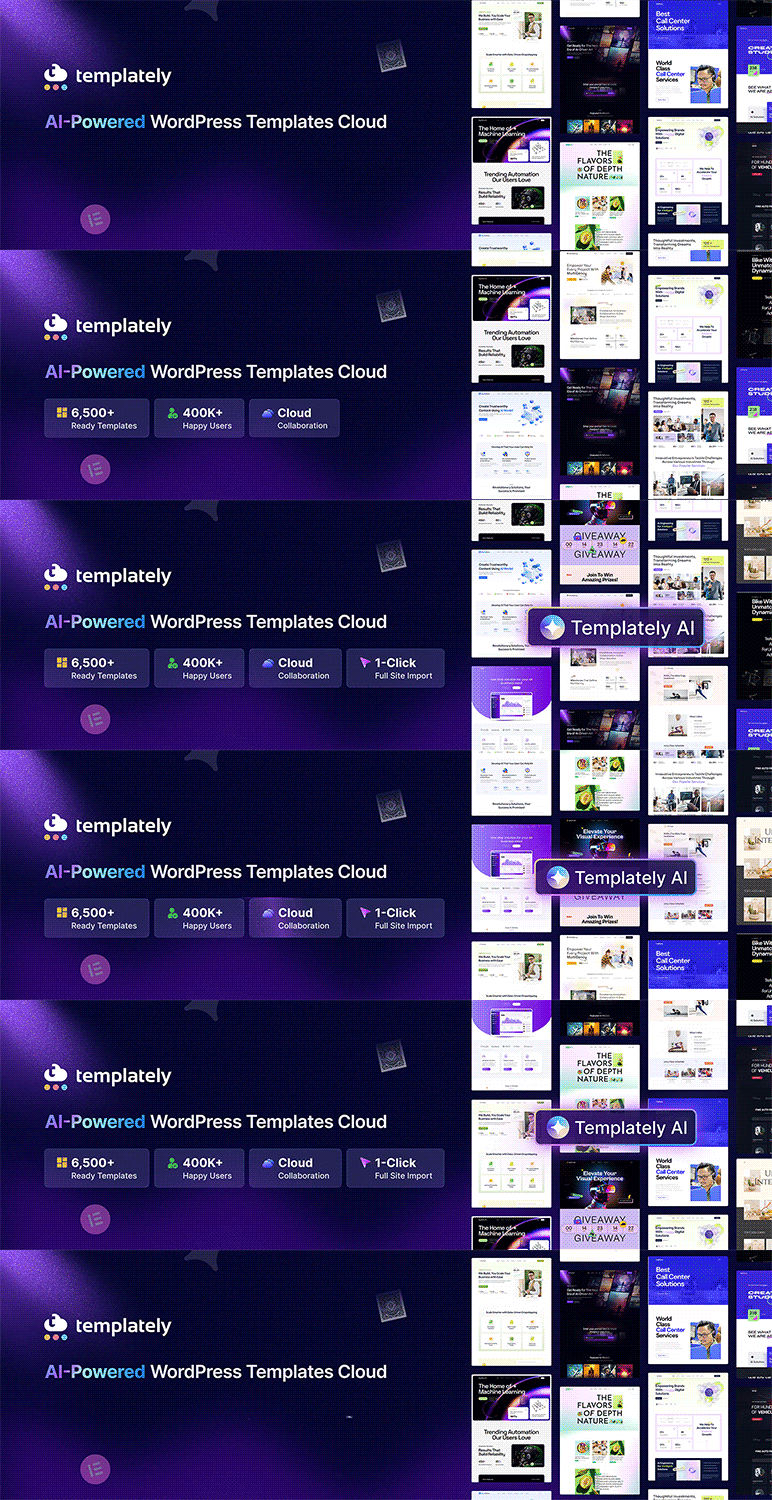
Additionally, Templately AI can help generate content and copy for the site based on the client information you have already collected, saving hours while keeping everything aligned with their brand and messaging.
These tasks form part of the WordPress site launch checklist, ensuring the design process is systematic, client-informed and optimized for speed before moving on to the build and testing phase.
Install Core Plugins
Install a tight, scalable core plugin stack and keep it capped at roughly 15–20 lightweight tools to avoid bloat while still covering growth needs. The agency baseline typically includes plugins tapping into fundamental needs like SEO, analytics, link, and content management. Find our recommended tools below:
- Rank Math for SEO fundamentals like sitemaps and schema
- Google Site Kit for client-owned analytics and transparency
- EmbedPress for clean, no-code embeds from 250+ sources
- SchedulePress to manage content scheduling with a visual calendar and automated social distribution
- BetterLinks to centralize link management and tracking
- BetterDocs for self-serve documentation that deflects support tickets
- Akismet to quietly handle spam at scale
- NotificationX to drive real-time social proof and conversions
Build And Testing Tasks
Development happens on staging, so changes can be tested safely. The site should be checked across all major browsers and screen sizes to confirm it looks and works correctly on desktops, tablets and phones. Performance is a priority at this stage, so images need to be compressed, caching enabled and code cleaned up to keep load times under three seconds.
Comprehensive UX Optimization
Your QA team will run full audits to ensure cross-browser performance, responsiveness, accessibility and proofread all website copy and content.
| Testing Task | Tool/Action |
|---|---|
| Browser Compatibility | Chrome, Firefox, Safari, Edge, Brave. |
| Speed Details | Reduce redirects (using redirection plugins), enable caching, hit Core Web Vitals (<2.5s load time via PageSpeed Insights). |
| Accessibility | Headings (H1-H6), color contrast (WCAG), alt texts |
| Proofreading | Ensure all written content on the website has no inaccuracies or typos. Use tools like Grammarly. |
| Responsiveness | Ensure the website performs as expected across all devices. Elementor previews allow testing for responsiveness. |
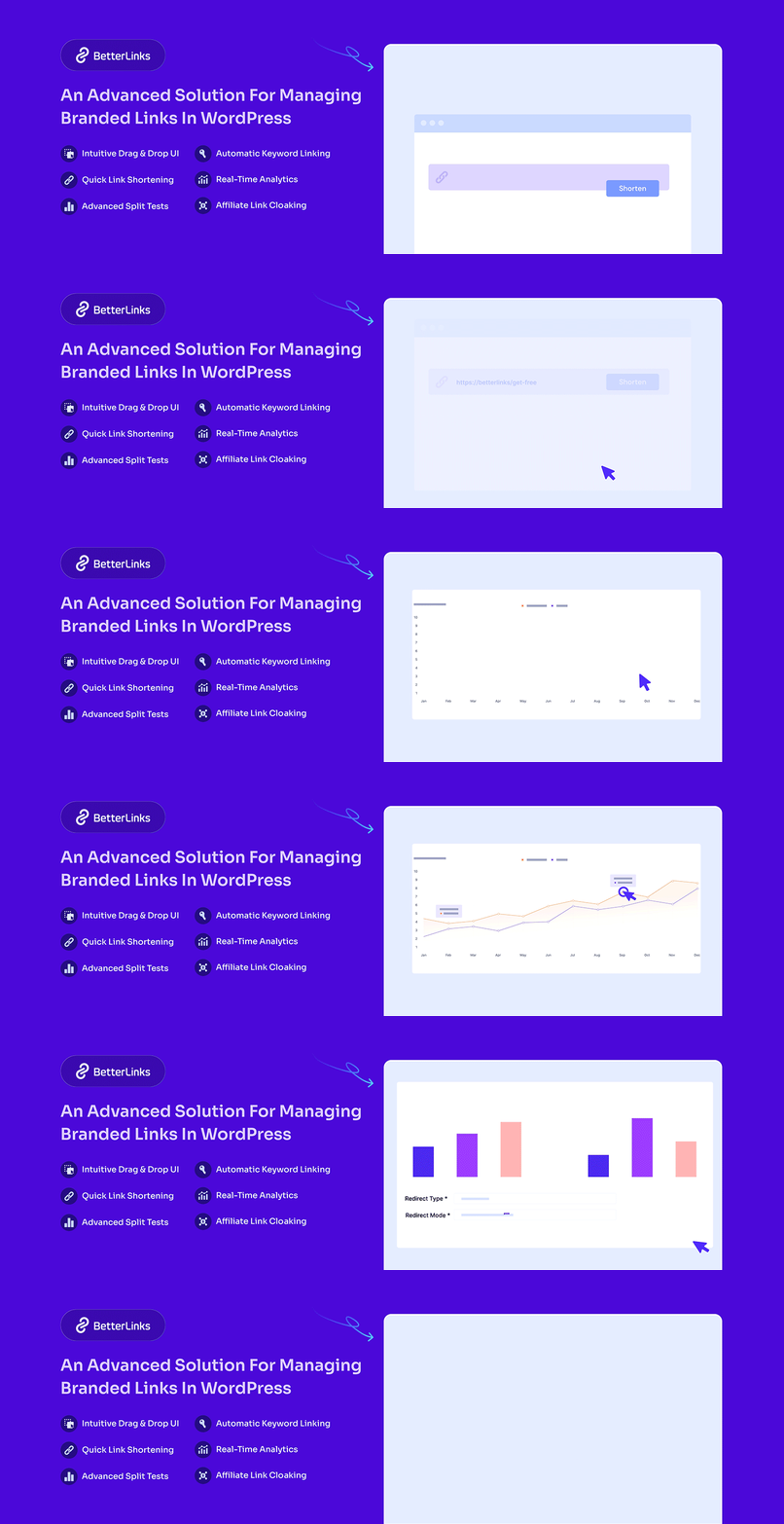
All links, buttons and forms (especially contact and signup forms) must be tested to ensure nothing breaks during launch. Plugins like BetterLinks analyze all broken links and make link creation and organization easy, while ensuring scalable link management for the client going forward.
Client-Centric Build Tasks
Throughout the build, share the staging URL with the client and gather feedback in small, manageable rounds. This avoids last-minute changes and keeps expectations aligned. Posts should be structured to be easy to use, with clear role-based access, so clients can edit content without full admin permissions.
As part of this, take a few minutes to teach clients the basics of using block builders like Elementor or Gutenberg. Showing them how to add and edit blocks, format text and insert images empowers them to manage blog posts and other content confidently, reducing support requests and making ongoing content updates smoother.
Summary: Launch Phase WordPress Checklist for Agencies
Let us zoom out for a launch phase checklist overview.
Site Creation & Design
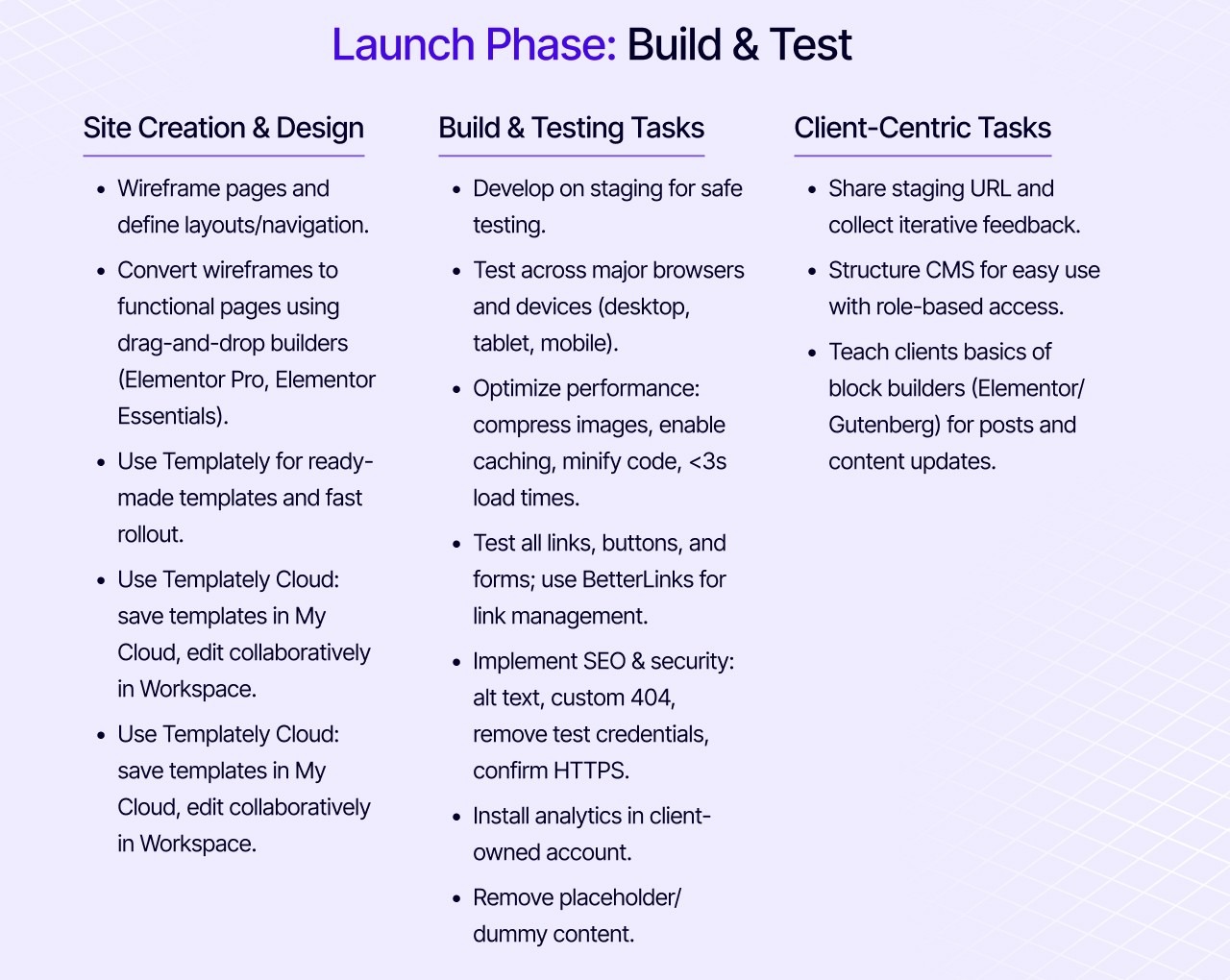
☑️ Wireframe pages and define layouts/navigation.
☑️ Convert wireframes to functional pages using drag-and-drop builders.
☑️ Use lightweight WordPress theme (e.g., Twenty Twenty-Six); add logo/favicon/tagline.
☑️ Build homepage + essentials (404, contact).
☑️ Install core plugins: Rank Math, SchedulePress, EmbedPress, Site Kit, etc.
Build & Testing Tasks
☑️ Develop on staging for safe testing.
☑️ Test across major browsers and devices (desktop, tablet, mobile).
☑️ Optimize performance: compress images, enable caching, minify code, <3s load times.
☑️ Test all links, buttons, and forms; use BetterLinks for link management.
☑️ Full UX QA: browsers, Core Web Vitals, accessibility checklist, proofreading.
☑️ Implement SEO & security: alt text, custom 404, remove test credentials, confirm HTTPS.
☑️ Install analytics in client-owned account.
☑️ Remove placeholder/dummy content.
Client-Centric Tasks
☑️ Share staging URL and collect iterative feedback.
☑️ Structure CMS for easy use with role-based access.
☑️ Teach clients basics of block builders (Elementor/Gutenberg) for posts and content updates.
Launch Phase WordPress Checklist for Agencies: Smooth Delivery of Client Websites
The launch phase is where the project is finalized and everything is checked to ensure the site is fully ready for delivery. The client experience is made intuitive, branded and easy for them to manage, with clear access, tutorials and dashboards in place.
This phase also clarifies expectations about ongoing maintenance (updates, backups and support), so the site stays secure and performs well over time. The launch phase is the last chance to catch any issues, confirm everything works and ensure the client feels confident and satisfied.
Going Live And Final Checks
Start by migrating the site from staging to the live hosting and domain. xCloud supports free migrations and adds agency-focused features like security checkups, full-page caching options and integrations with storage providers and other applications, making it easier to launch and manage client sites efficiently and securely.
Once live, re-test everything to make sure nothing broke during the move. Check links with plugins like BetterLinks. Check forms, performance and SEO settings as well. When the site is stable, walk the client through the live version and get a formal sign-off so everyone is aligned that the project is complete.
Make sure to perform a post-migration QA, a final performance sweep, if you will:
- Check for broken links with the BetterLinks scanner.
- Set up Uptime alerts for notifications, in case something goes wrong.
- Check for errors, 502s, upload issues (Tools > Site Health)
- Optimize Core Web Vitals and prioritize mobile-friendly design,
- Integrate Templately AI for content updates.
Handoff And Client Enablement Tasks
Next, customize the WordPress experience so it feels intuitive and branded for the client. Set up a custom dashboard with quick links to key pages, media and built-in tutorials. Add a branded login screen with plugins like LoginPress, so the admin area reflects their brand, not WordPress defaults.
User roles should be finalized at this stage, with clear access levels for Editors and Admins, and documented for reference. Create simple tutorials, be it short videos or PDFs, covering common tasks like editing pages or uploading content, and include them in the handoff package.
Maintenance And Support Setup
Finally, prepare the site for ongoing care. Set up centralized tools to handle updates and backups and position this as a monthly maintenance service rather than a one-off task. Deliver a clear documentation pack that includes everything. This includes all login details, a list of installed themes and plugins, basic style and maintenance guidelines and clear support terms with contact information. Ensure that the client knows exactly how to get help and what is covered in their service package moving forward.
Summary: Post-Launch WordPress Checklist for Agencies
Let us zoom out for a post-launch checklist overview.
Go-Live & Final Checks
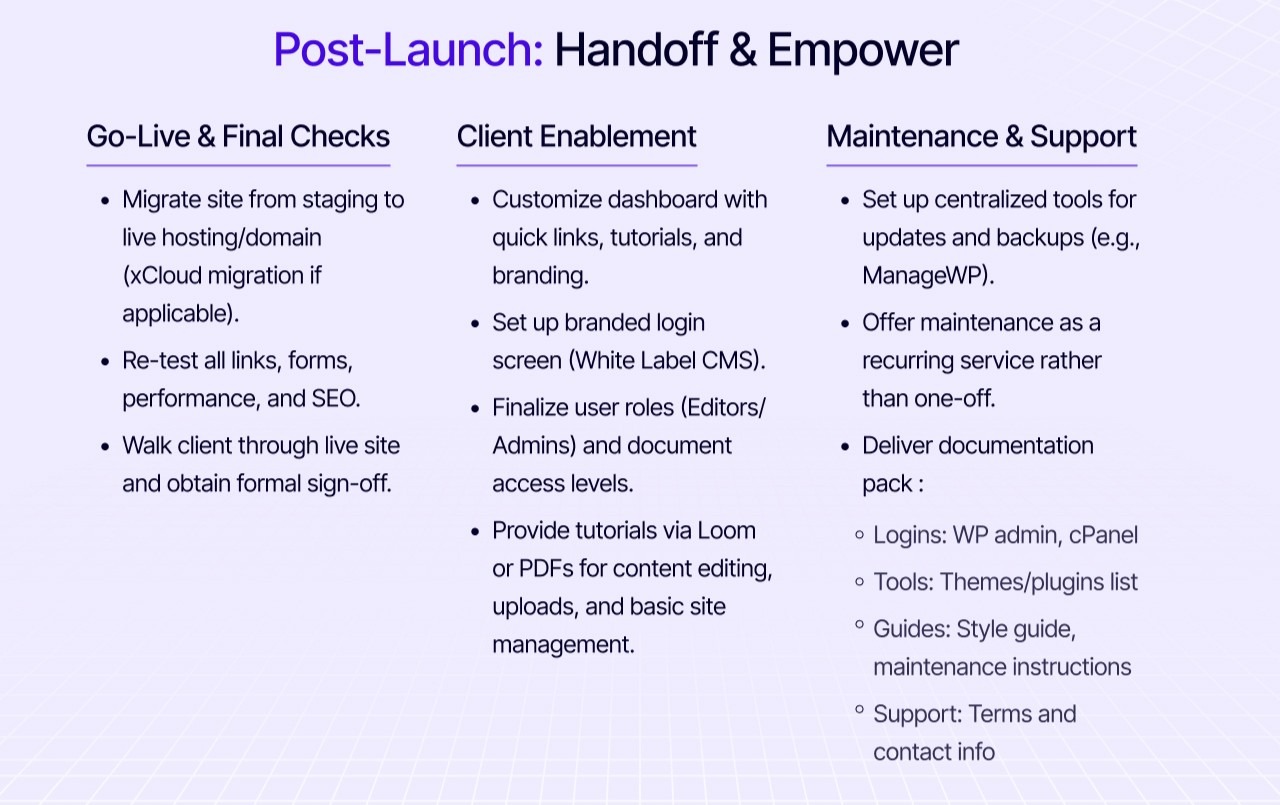
☑️ Migrate site from staging to live hosting/domain (xCloud migration if applicable).
☑️ Re-test all links, forms, performance, and SEO.
☑️ Walk the client through the live site and obtain formal sign-off.
☑️ Performance sweep: BetterLinks, UptimeRobot, error fixes, Core Web Vitals.
☑️ 2026 trends: AI content (Templately AI), mobile-first.
Handoff & Client Enablement
☑️ Customize dashboard with quick links, tutorials, and branding.
☑️ Set up branded login screen.
☑️ Finalize user roles (Editors/Admins) and document access levels.
☑️ Provide tutorials via Loom or PDFs for content editing, uploads, and basic site management.
Maintenance & Support
☑️ Set up centralized tools for updates and backups (e.g., ManageWP).
☑️ Offer maintenance as a recurring service rather than a one-off.
☑️ Deliver documentation pack.
Common Mistakes Agencies Should Avoid
Even with a WordPress checklist for agencies, many often stumble on more human, structural mistakes that hurt trust and profitability. Before we wrap up this necessarily long blog, it is worth looking at some common pitfalls that can quietly undermine even well-run projects. Beyond broken links or missing meta tags, these are the patterns that quietly damage relationships and lead to stressful launches.
| Mistake | What it Looks Like |
|---|---|
| Designing for Themselves, Not the Client | The agency prioritizes portfolio appeal and personal taste over the client’s buyers, brand voice and commercial goals, resulting in a site that looks good but underperforms. |
| Rushed Decision Making | Rushed or surface-level discovery leads to misaligned decisions, endless revisions and a final product that does not reflect how the client actually operates. |
| Poor Expectation-Setting around Scope And Timelines | Vague scopes and static timelines create friction when change is inevitable, making even strong delivery feel like less than. |
| Inter- and Intra-Team Misalignment | When different teams like sales, design and delivery work from different assumptions, there can be overpromising, rework and a visibly chaotic client experience. |
| Mixing Personal And Professional Advice | Think of statements like “We don’t do X” instead of explaining real pros and cons. Recommendations that are driven by agency preferences instead of fit limit client choice and long-term agency repute. |
| Under-Communicating Risks And Maintenance Needs | When clients are surprised by upkeep costs and limitations because ownership realities were not explained upfront, it is an error on the agency’s end. |
| Overcomplicating the Tech | Technical sophistication is about balance. You do not want to give the client something basic, but the technical aspect should also not feel too complex in the name of “future-proofing.” |
| Ignoring Content Reality | Some agencies may create content-heavy layouts without considering that the client may not have the resources to produce large volumes of blogs, for example. |
| Treating Training As an Afterthought | When the agency does not set aside time to actually teach the client WordPress site management, the handover can feel weak and the clients can feel lost. |
Email Template Agencies Can Use When Delivering Client Websites
Having an email template helps agencies standardize delivery and handoff by keeping communication clear, professional and consistent across all clients. Email templates also save time by eliminating the need to write handoff emails from scratch every single time, facilitating a repeatable handoff process for agencies.
Email Template
Subject: [Site.com] – Your WordPress Site is Live & Ready!
Hi [Client],
Your site at [Site.com] is launched! Quick access:
WP Login:
[Site.com/wp-admin] Username: [user] Password: [pass]
Users List:
Admin: [details]Editor: [details]
Get Started:
Tutorial Video: [Source Link]
PDF File: [Downloadable file}cPanel: [Credentials]
Maintenance? Reply to add updates/backups.
Questions? Reply anytime.
Best,
[Agency Signature][Contact]
Organize And Structure Your Agency Workflow for Delivering Client Websites
Handle the basics first: set up the domain and hosting under the client’s name using their payment information to avoid future issues. Introduce maintenance early so ongoing support feels natural.
With a WordPress site launch checklist, your handoffs are smoother, launches clearer and clients happier with recurring revenue. Follow this strategic flow for better structure and organization.
Curious for more? Be sure to explore our blogs for more expert insights. Join our community and share your agency journey with us over on our Facebook group.