
Your website is often the first thing a potential customer sees. It shapes their opinion about your brand in seconds. So, choosing the right web template is not just a design decision; it is a business decision.
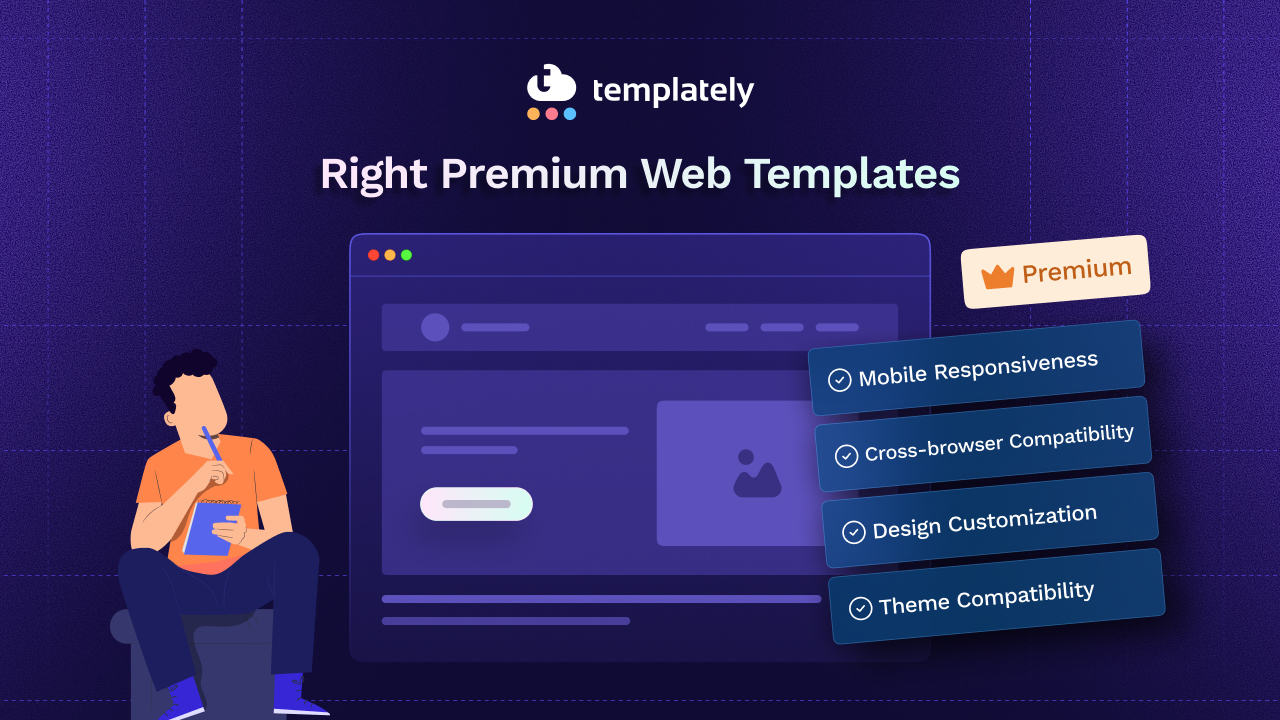
The market is full of options. Free templates, budget templates and premium web templates, all competing for your attention. But not all templates are created equal. If you want a website that looks professional, loads fast and converts visitors into customers, you need to be smart about your choice.
This guide will walk you through everything you need to know before picking a premium web template for your business.
Why Premium Web Templates Are Worth the Investment?
Let us start with the basics. Why should you choose a premium web template over a free one?
Free templates can get you started, but they come with limitations. They often have fewer customization options, limited support and outdated designs. More importantly, hundreds of other websites might be using the same free template, making your brand look generic.
Premium web templates, on the other hand, offer:
- Professional design quality crafted by expert designers
- Regular updates to keep up with modern web standards
- Dedicated support when you run into issues
- More customization flexibility to match your brand identity
- Cleaner, optimized code for better performance and SEO
When you invest in a quality template, you are not just buying a design. You are buying a foundation that supports your business goals long-term.
Guide to Choose the Right Website Template for Your Business
Choosing the right template for your business may require time. Searching through websites, brainstorming, thinking about your brand, aligning it with the template and the list goes on. But with some smart strategies, you can choose the right one. Below is the guide that will help you choose the right premium web template.
Step 1: Define Your Business Goals First
Before you browse templates, get clear on what your website needs to do.
Ask yourself:
- Is this a portfolio site, an eCommerce store, a blog, or a corporate website?
- Who is your target audience?
- What action do you want visitors to take — buy, contact, subscribe, or read?
- What pages do you need — landing page, pricing page, about page, blog?
Your answers will narrow down which premium web templates actually suit your needs. A template designed for photographers will not work well for a law firm. A one-page template will not serve an online store with 500 products.
Define your goals first. Then shop.
Step 2: Prioritize Responsive And Mobile-First Design
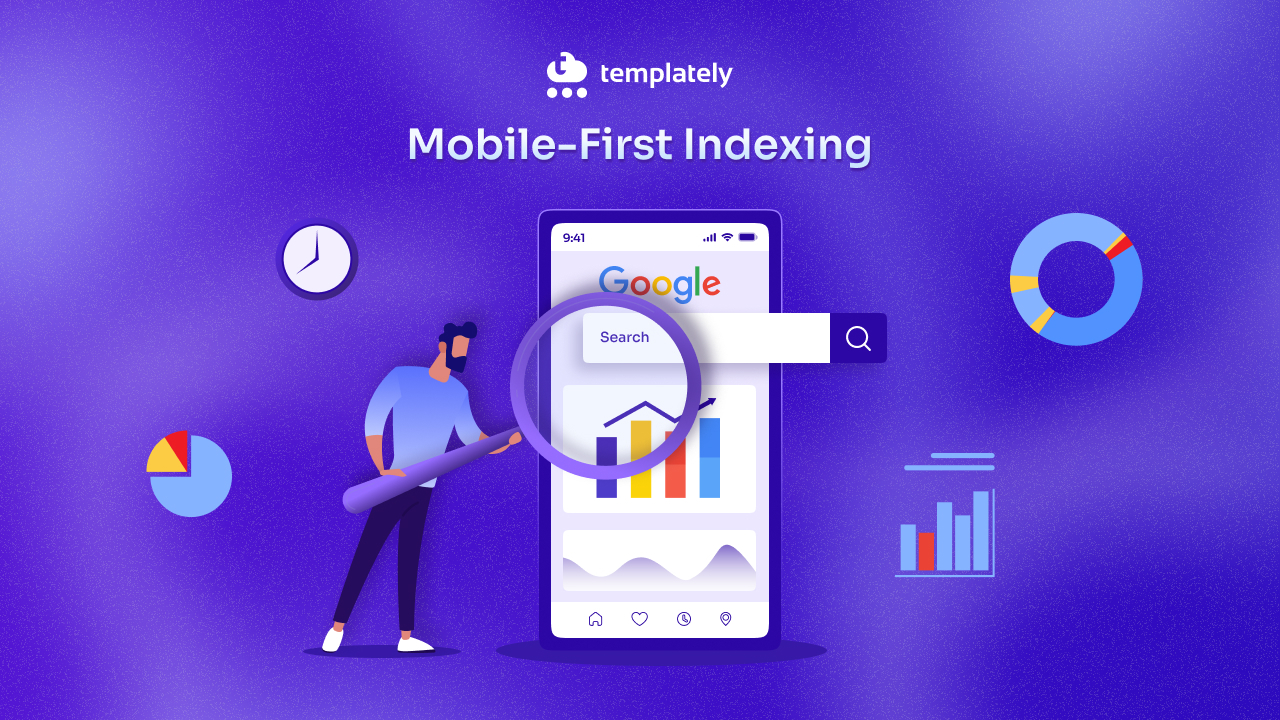
Over 60% of web traffic now comes from mobile devices. If your template does not look great on a smartphone, you are losing visitors before they even read a word.
A good premium web template must be fully responsive. This means it automatically adjusts to fit any screen size, be it desktop, tablet, or mobile, without breaking the layout.
When evaluating templates, do this:
- Use your browser’s mobile preview mode to test the template demo
- Check how images, menus, and buttons behave on smaller screens
- Confirm that the text stays readable without zooming in
Mobile-first design is not optional anymore. It is a baseline requirement.
Step 3: Look for Speed And Performance Optimization
A beautiful template that loads slowly is a liability. Studies show that users abandon a website if it takes more than 3 seconds to load. Search engines also prioritise faster websites.
When reviewing premium web templates, check for:
- Lightweight code — avoid templates bloated with unnecessary scripts or oversized images
- Lazy loading support — images load only when a user scrolls to them
- Minified CSS and JavaScript — reduces file size for faster load times
- Google PageSpeed scores — many premium templates publish their benchmark scores
Speed is not just about user experience. It is something that directly impacts your search rankings and conversion rates.
Step 4: Check Design Quality And Visual Consistency
This one seems obvious, but it is easy to be distracted by flashy demos. Look beyond the surface.
Visual consistency is the mark of a well-crafted template. Every element, such as headings, buttons, colors and spacing, should feel like it belongs to the same design system.
Things to evaluate:
- Is the typography clean and readable?
- Are color choices balanced and professional?
- Do sections flow naturally from one to the next?
- Does the overall style match your brand’s tone?
A premium web template should not just look impressive in a demo. It should look great after you replace the demo content with your own text and images. Always imagine the template with your real content in mind, not the placeholder content.
If you are finding it difficult to imagine the real content relevant to your business, then Templately AI is here to help. With ready-made templates, Templately provides an ‘AI Content Generator’ feature that lets you generate full website content instantly. So, you can check how the content appears on your website.
Step 5: Evaluate Customization Options
No template will be a perfect fit right out of the box. You will need to adjust colors, fonts, layouts, and sections to match your brand. A good premium web template should give you that flexibility without requiring you to write code from scratch.
Look for:
- Page builder compatibility (such as Elementor, Gutenberg, or similar tools)
- Pre-built section blocks you can mix and match
- Easy color and font controls in the settings panel
- Multiple layout variations for the same page type
The more flexible a template is, the more you can make it truly yours. Templates that are too rigid force you to either accept a design that does not fit your brand or spend hours on custom coding. Say for example, Templately has a ‘Global Color & Typography’ control feature that allows you to customize all your website’s fonts and colors from one central panel for a cohesive, professional design.
Step 6: Verify Browser And Plugin Compatibility
Your visitors use different browsers like Chrome, Firefox, Safari, Edge, etc. Your template must work properly across all of them.
Premium web templates typically go through cross-browser testing before release. But still, check the documentation or product page to confirm compatibility.
Also, think about the plugins or integrations your website may need:
- WooCommerce for eCommerce
- Contact Form 7 or WPForms for lead generation
- Yoast SEO or Rank Math for search optimization
- Mailchimp or similar for email marketing
A premium template that conflicts with essential plugins can become a major headache. Always verify compatibility before purchasing.
Step 7: Check for SEO-Friendliness
A visually stunning website that no one can find is a wasted investment. Your template plays a real role in your SEO performance.
An SEO-friendly premium web template should have:
- Proper heading structure (H1, H2, H3) used correctly throughout
- Schema markup support for rich search results
- Clean HTML code that search engines can easily read and index
- Fast load times (as discussed earlier)
- Image alt text support is built into the template components
Many premium templates explicitly state in their features list that they are “SEO-optimized.” But do not just take that at face value. Read user reviews and check whether other businesses have had success ranking websites built on that template.
Step 8: Read Reviews And Check Support Quality
You will probably need help at some point. A template that looks great but has zero support can leave you stuck.
Before buying any premium web template, do the following:
- Read user reviews on the marketplace or product page
- Check the support forums — are questions answered promptly?
- Look at the update history — has the template been updated recently?
- Review the documentation — is it detailed and beginner-friendly?
Good support is a sign of a trustworthy product. A template that has been regularly updated for two or more years is usually a safer choice than a brand-new release with no track record.
Step 9: Make Sure Licensing Fits Your Use Case
This is something many people overlook. Licensing matters.
Premium web template licenses usually fall into two types:
- Personal license — for use on a single personal or business website
- Commercial license — allows use across multiple projects or for clients
If you are a freelancer or agency building websites for clients, you need to make sure your license permits that use. Using a single-license template on ten client sites is a license violation and it can create legal problems.
Always read the licensing terms carefully before purchasing.
Step 10: Consider the Template Ecosystem And Future Scalability
Your business will grow. Your website needs to grow with it.
A good premium web template should be part of a larger ecosystem. This means access to:
- Multiple template packs that share the same design style
- Add-on blocks or sections you can import as needed
- Regular new releases that expand your options over time
If you ever want to add a new page type, such as a pricing page, a team page, or an events page, you should not have to start from scratch or buy a completely different template. For example, in Templately, you can directly import a full website pack in a few clicks and launch your website without any hassle.
Choosing a template from a platform with a growing library of templates and design resources keeps your options open as your website evolves.
How Templately Makes It Easier to Find the Right Premium Web Templates for WordPress
If you are using WordPress and Elementor or other popular page builders, Templately is a platform worth knowing about.
Templately is a cloud-based template library that gives you access to a wide collection of premium web templates for WordPress, all designed with real business needs in mind. Here is why it stands out:
- Ready-to-use template packs. Templately offers full website template packs covering industries like business, healthcare, education, eCommerce, portfolio and more. Each pack includes multiple page layouts that are visually consistent, so you do not have to piece together mismatched sections.
- AI Content Generation: With Templately AI, you can instantly generate full website copy simply by using a few prompts. This allows you to get niche-relevant website content ready in minutes.
- MyCloud storage. One of Templately’s unique features is its cloud-based storage system. You can save customized templates and design blocks in the cloud and reuse them across different projects, which is a massive time-saver for agencies and freelancers.
- Page builder compatibility. Templately works seamlessly with Elementor and Gutenberg, two of the most popular WordPress page builders. Templates are easy to import with a single click, requiring no coding knowledge.
- Regularly updated library. The Templately team consistently adds new premium web templates, which means your design options expand over time without switching platforms.
- Collaborative features. Teams can share saved templates within a workspace, namely ‘Templately WorkSpace’, which makes it much easier to maintain design consistency across multiple websites or projects.
- Free and paid plans. Templately offers a free plan with access to a selection of free templates, along with premium plans that unlock the full library. This lets you explore the platform before committing to a subscription.
For businesses that want quality, flexibility and ease of use all in one place, Templately is a strong option to consider when searching for premium web templates for WordPress that actually deliver results.
Common Mistakes to Avoid When Choosing a Web Template
Even with all the right criteria in mind, people still make avoidable mistakes. Here are a few to watch out for:
- Choosing style over function. A template might look stunning in its demo, but if it does not support the features your website needs, it is the wrong choice. Always prioritize function first.
- Ignoring load time. Heavy animations and large demo images might look great, but they can slow your real website down significantly. Always test performance before buying.
- Not checking update history. A template that has not been updated in two years is a risk. Web standards change, security vulnerabilities are discovered and outdated templates can break with newer plugin or CMS updates.
- Buying without a demo test. Always explore the live demo on both desktop and mobile before purchasing. Screenshots can be misleading.
- Forgetting about content structure. Make sure the template’s layout actually fits the type and amount of content you have. A template with large hero images will not work well if you do not have high-quality photography.
Final Thoughts: Invest in the Right Premium Web Template
Your website is a long-term asset. The template you choose will shape your online presence for months or even years. Rushing the decision to save a few dollars often ends up costing more in redesigns, missed conversions and technical headaches down the line.
Take your time. Evaluate every template against the criteria in this guide: responsiveness, speed, design quality, customization flexibility, SEO-friendliness, support and licensing. Think about where your business is heading, not just where it is today.
Premium web templates represent a real value when chosen wisely. They give you a professional starting point, save hours of design work, and provide a solid technical foundation. Whether you are launching a brand-new website or refreshing an existing one, the right template can make a significant difference in how your business is perceived online.
Start with clarity, shop with intention and your website will reflect exactly what your business deserves.
Do you think this blog is helpful? If so, do not forget to subscribe to our blog to get more blogs like this. We would love to have you in our Facebook community, too, where you can share your knowledge and views with others.