

You have worked hard on your website. You have picked fonts, chosen colors, added sections, installed plugins and filled every corner of the page with something. It looks full. It looks busy. It must look professional, right?
Wrong.
What you have likely created is visual clutter on a website. And it is silently killing your website’s performance, driving visitors away, destroying trust and tanking your conversions before a single word gets read.
This guide breaks down exactly what visual clutter is, why it happens, how it hurts your website, and most importantly, what you can do to fix it today.
What Is Visual Clutter on a Website?
Think about walking into a store where every shelf is crammed, every wall has a poster, and three salespeople approach you at once. You do not feel welcome. You feel stressed. You leave. That is exactly how a cluttered website feels to a first-time visitor.
Visual clutter is what happens when a webpage has too many design elements competing for the visitor’s attention at the same time. Overloading colors, fonts, images, buttons, banners, pop-ups and sections all fighting to be noticed, all at once.
The result? The brain gets overwhelmed. When everything demands attention, nothing gets it. The visitor’s eye bounces around the page without landing on anything meaningful, and within seconds, they leave.
Visual clutter in websites is not just an aesthetic problem. It is a psychological one. Human brains have a limited capacity to process information at any given time. When a page overloads that capacity, the brain’s natural response is to disengage. It is a protective mechanism and it is working against you every single time someone lands on your website.
What Causes Visual Clutter in Websites?
Understanding where visual clutter comes from helps you prevent it before it starts. It rarely happens because someone set out to make a bad website. It usually happens gradually, for very understandable reasons.
- Fear of leaving things out: Business owners worry that if they do not put everything on the homepage, visitors will miss it. So they add more sections, more text, more icons, more testimonials until the page becomes an overwhelming wall of information.
- Collaborative Design: When a website is built by a team, everyone adds their priorities. The marketing team wants a banner. The sales team wants a pop-up. The CEO wants a video. Nobody removes anything. The page grows without any guiding principle.
- Mistaking busyness for value: Empty space feels wasteful. So it gets filled. But in design, that space, called white space, is doing important work. It creates visual breathing room, guides the eye and makes key elements stand out. Removing it is one of the most common and costly design mistakes.
- Copying complex websites without the context: Many people look at large news sites or eCommerce platforms and assume a dense, information-heavy layout is the standard. But those sites have dedicated UX teams managing that complexity. For most small to mid-sized websites, that approach backfires.
- Adding features over time without ever subtracting: A website that starts clean often becomes cluttered over months and years as widgets, banners, sections and plugins get added one by one, with no one ever stepping back to audit the whole picture.
Common Types of Visual Clutter on a Website
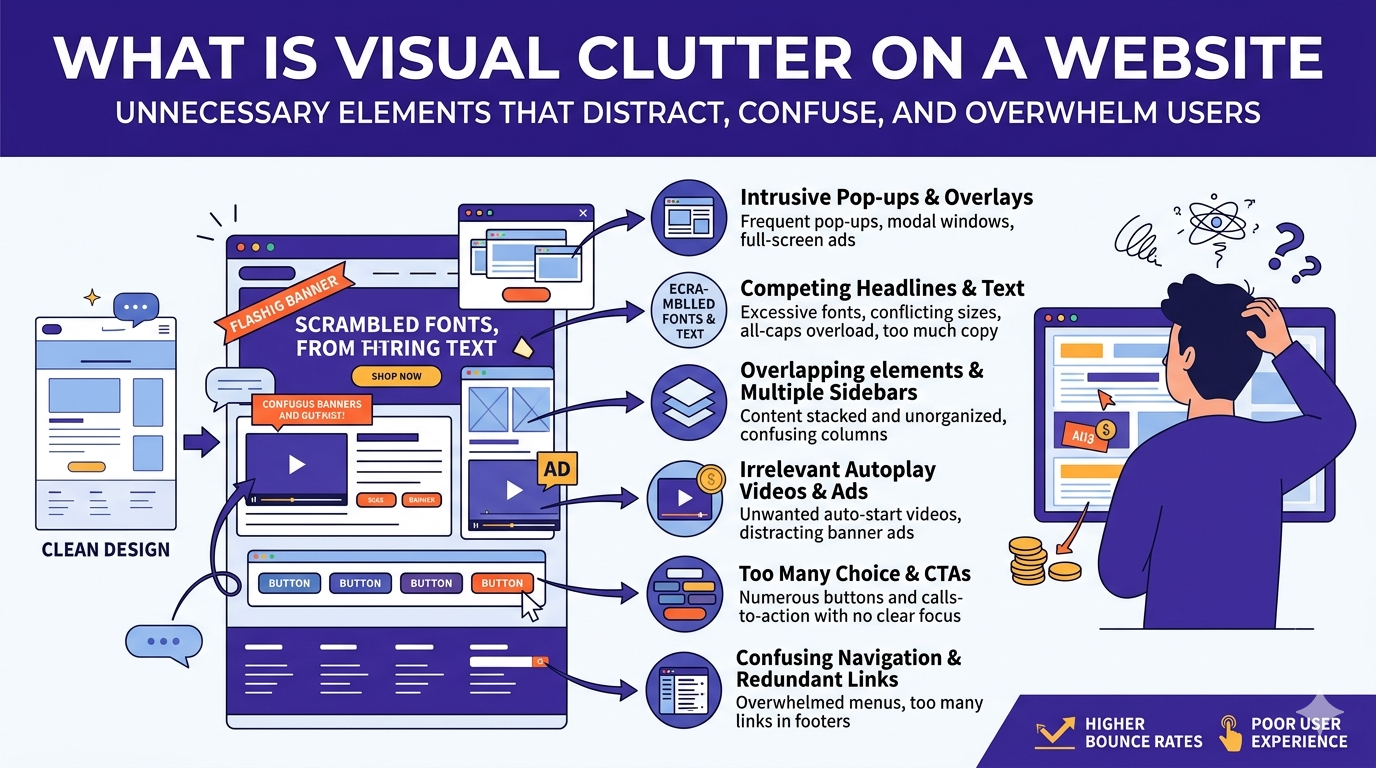
Visual clutter shows up in many different ways. Here are the most common issues to watch for on your own website:
- Too many fonts: Using 4 or 5 different typefaces creates a chaotic, unpolished look that undermines credibility
- Multiple competing calls-to-action: When every section has a different button begging for a click, visitors freeze and click nothing
- Overloaded navigation menus: A navigation bar with 12+ links overwhelms visitors who are just trying to find one thing
- Busy or textured backgrounds: Placing text over complex images or patterns makes reading difficult and strains the eye
- Excessive animations and auto-play media: Elements that move, bounce, flash, or play sound without being asked are distracting and annoying
- Stacked pop-ups and notification bars: A cookie banner, a newsletter pop-up and a discount offer all appearing within 3 seconds of arrival is a recipe for instant abandonment
- Lack of white space: When text, images and sections are crammed together with no breathing room, the page feels suffocating
- Inconsistent color use: Using 6 or 7 colors with no system makes a page look unprofessional and visually noisy
- Too many images or icons in one section: Visual overload is just as real as text overload
If you recognized your website in even two or three of those points, you have a clutter problem worth addressing.
How Visual Clutter Hurts Your Website’s Performance
This is where it gets serious. Visual clutter on a website is not just an annoyance; it has measurable, direct consequences on your key performance metrics.
Destroys Your First Impression
Many studies show that 94% of first impressions on a website are design-related, not content-related. Visitors judge your site before they have read a single sentence. A cluttered, overwhelming design signals disorganization and a lack of professionalism, regardless of how good your actual product or service is.
Increases Your Bounce Rate
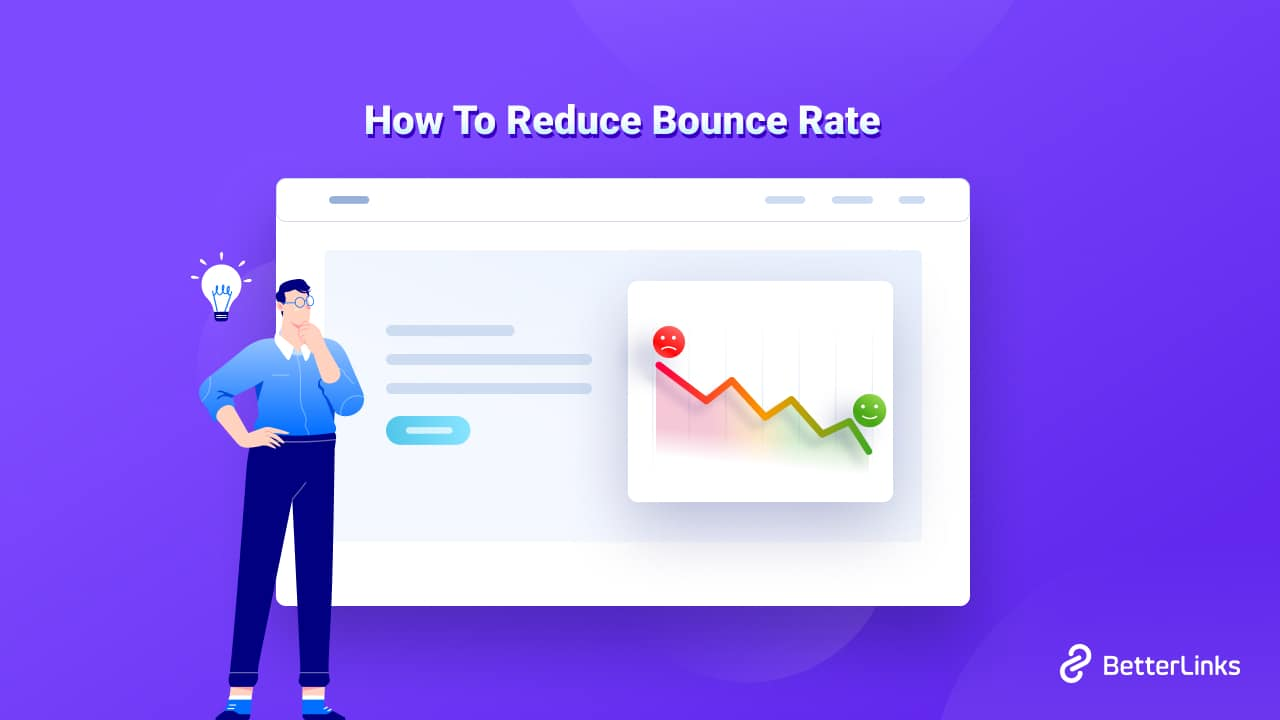
A high bounce rate means visitors are landing on your page and leaving almost immediately. Visual clutter is one of the top drivers of this behavior. When people can not quickly understand what a site is about or what to do next, they do not stick around to figure it out.
Kills Conversions
Conversion rate optimization (CRO) research consistently shows that reducing the number of options and distractions on a page increases the likelihood of a visitor taking the desired action.
More clutter = more friction = fewer conversions. A clean, focused page outperforms a busy one almost every time.
Damages Trust And Credibility
According to studies on web credibility, users form a trust judgment about a website within milliseconds. Cluttered, visually inconsistent pages are rated as significantly less trustworthy than clean, well-organized ones. In competitive markets, trust is everything.
Hurts Your SEO Ranking
Google uses behavioral signals, like bounce rate, time on page and pages per session, as indirect ranking factors. When visual clutter drives visitors away quickly, these signals send Google the message that your page is not useful.
Over time, this can drag your rankings down. Page speed is also a direct SEO ranking factor, and clutter often adds unnecessary scripts, images, and widgets that slow your page down.
Becomes Unusable on Mobile
Over 60% of web traffic now comes from mobile devices. Clutter that is merely annoying on a desktop becomes a completely broken experience on a phone. Small screens have no tolerance for design mistakes. If your site is cluttered on desktop, it is likely nearly unusable on mobile.
The Psychology Behind Visual Clutter
To truly understand why visual clutter is so damaging, it helps to understand what is happening in the visitor’s brain.
There is a well-known principle in psychology called Hick’s Law, which states that the more choices a person is given, the longer it takes them to make a decision. Apply this to web design: every additional element on a page is another choice, another input, another thing the brain has to process and evaluate. The more you add, the slower and harder decision-making becomes, until the visitor gives up entirely.
There is also the concept of cognitive load. It is the total mental effort required to process information on a screen. High cognitive load leads to frustration, anxiety and disengagement. Low cognitive load feels effortless, clear and trustworthy. Every design decision you make either adds to or subtracts from a visitor’s cognitive load.
White space, clear hierarchy, consistent typography, and a single focused call-to-action all reduce cognitive load. Pop-ups, clashing colors, too many fonts, and competing buttons all increase it.
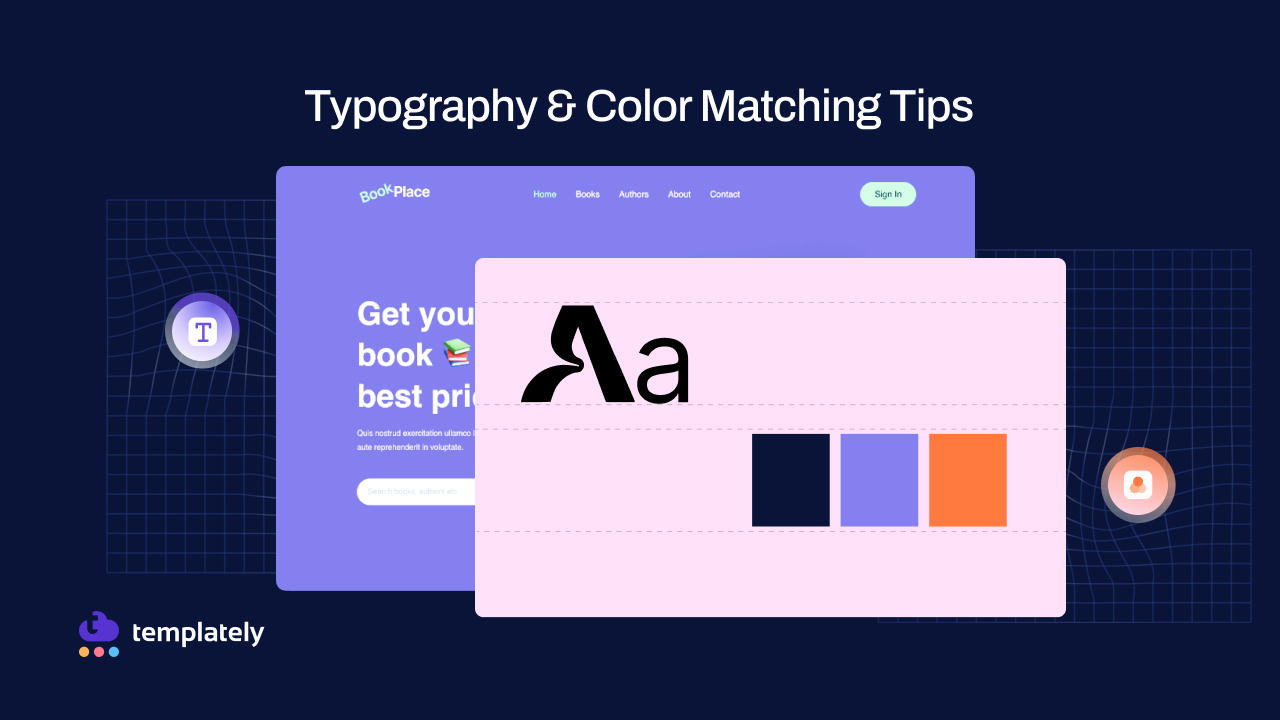
The best-performing websites understand this. They do not compete with themselves. They create a calm, guided path that makes it easy, almost inevitable, for a visitor to take the next step.
Signs Your Website Has a Visual Clutter Problem
Not sure if your website qualifies as cluttered? Ask yourself these questions honestly:
- Could a first-time visitor describe what your business does within 5 seconds of landing on your homepage?
- Is there one clear, obvious action you want visitors to take and is it easy to find?
- Does your homepage have more than 3 calls-to-action?
- Does your main navigation have more than 6 or 7 items?
- Have you ever received feedback that your site feels “overwhelming,” “confusing,” or “hard to navigate”?
- Are there sections on your homepage that your analytics show almost no one engages with?
- Does your website load slowly, especially on mobile?
- Do you use more than 3 colors or 2 fonts across your site?
If several of these ring true, your website is likely suffering from visual clutter. The good news is that the fix is almost always simpler than people expect.
How to Reduce Visual Clutter on a Website
Fixing visual clutter does not mean stripping your website down to nothing. It means being deliberate about every element on the page. Here is how to approach it.
Start with a Clutter Audit
Go through your website page by page. For each element, every section, image, button, widget and block of text, ask one question: Does this help the visitor take the action I want them to take? If the answer is no, it’s a candidate for removal or simplification.
Define One Goal Per Page
Every page on your website should have one primary purpose. The homepage exists to introduce your brand and guide visitors to the next step. A product page exists to convert. A blog post exists to inform and build trust. Design everything around that single goal and remove anything that competes with it.
Use White Space Intentionally
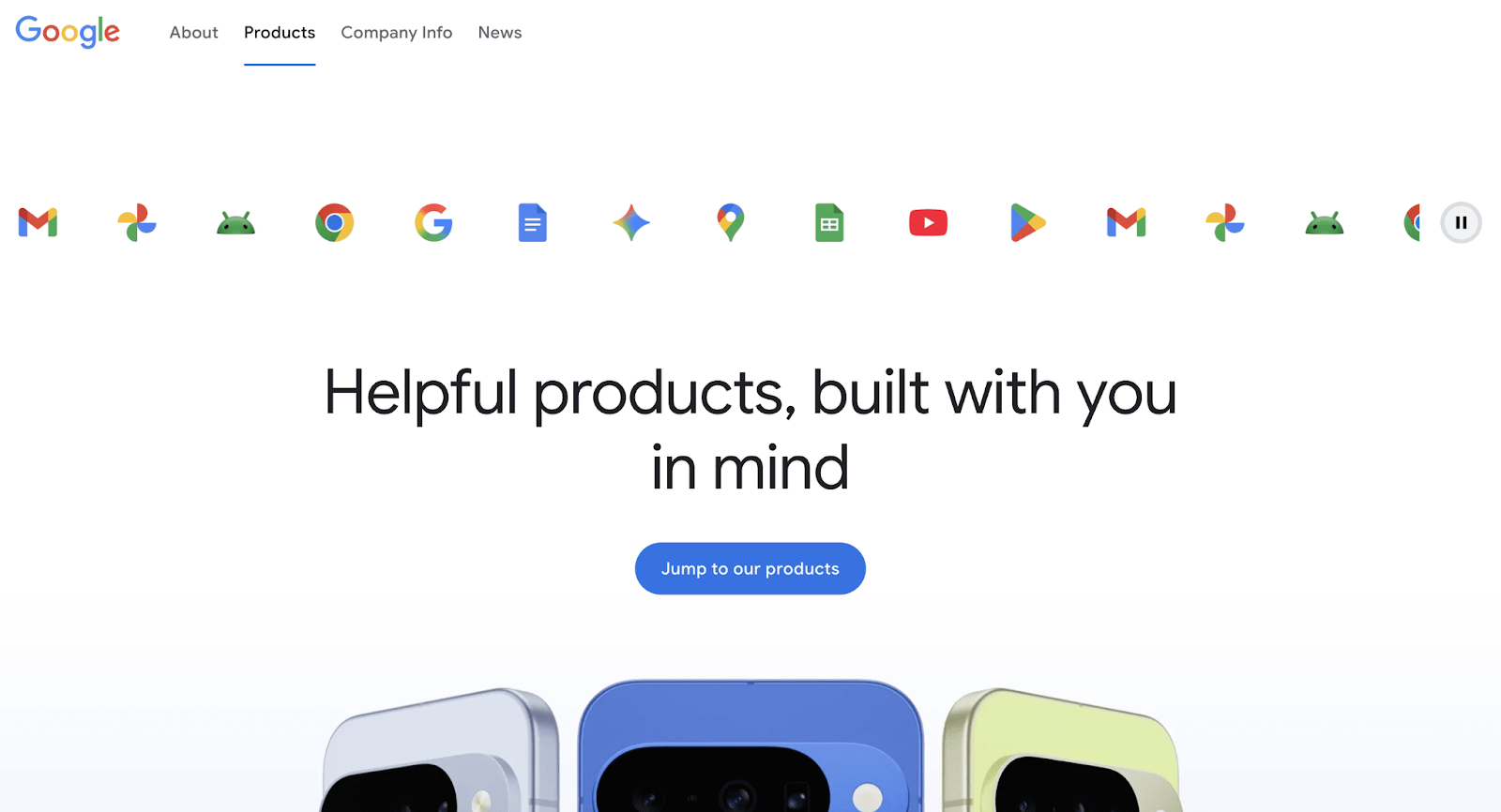
Increase the padding and margin around your text, sections and images. Give elements room to breathe. Using spaces is not wasted space; it is one of the most powerful tools in web design. It creates focus, improves readability, and makes your important content stand out.
Simplify Your Navigation
Your navigation menu should be a shortcut, not a directory. Limit your main nav to 5–7 items at most. Move secondary and less-visited links to the footer. If a visitor has to hunt through your menu to find something, your navigation is too complex.
Cut Your Calls-to-Action
Identify the single most important action you want a visitor to take on each page: sign up, book a call, buy now, read more and make that the one clear call-to-action. You can have secondary options, but make the hierarchy obvious. One primary, everything else clearly secondary. Here are a few more tips to reduce visual clutter in websites:
👉 Tighten Your Visual System: Limit yourself to,
- 2 fonts maximum (one for headings, one for body text)
- 2–3 core brand colors, with one used exclusively for calls-to-action
- A consistent spacing system across all pages
- One visual style for images (photography, illustration, or icon, not all three mixed together)
👉 Be cautious with pop-ups and banners: If you use pop-ups, make them appear after a visitor has had time to engage, not the moment they arrive. Limit yourself to one at a time. An exit-intent pop-up is far less damaging than an entry pop-up. Cookie banners are unavoidable in many regions, but keep them minimal.
👉 Design for scanners, not readers: Studies show that most people scan web pages rather than reading them word-for-word. They look for bold headings, short paragraphs, clear bullet points and visual breaks that tell them where to focus. Structure every page so that a visitor who scans it for just 10 seconds still gets the core message.
👉 Test on mobile first: Pull out your phone and navigate your entire website. Every page. Every section. If anything feels cramped, slow, hard to tap, or confusing, it needs to be fixed. Mobile does not forgive clutter.
SEO Benefits of Reducing Visual Clutter on a Website
Cleaning up visual clutter does not just help your visitors, it helps your search engine rankings, too. Here is the connection:
Better User Experience Signals:
When visitors stay longer on your page, scroll further and click through to other pages, Google interprets this as a signal that your content is valuable and relevant. A clutter-free website encourages exactly this behavior.
Faster Page Load Speed
Visual clutter often comes with technical baggage, heavy image files, multiple plugin scripts, auto-play videos and tracking widgets that slow your page down. Page speed is a confirmed Google ranking factor, and even a one-second improvement can meaningfully lift your ranking and reduce bounce rate.
Lower Bounce Rate
A clean, clear page keeps visitors engaged. A lower bounce rate tells Google your page is delivering what searchers are looking for, which helps your rankings over time.
Better Mobile Experience
Google uses mobile-first indexing, meaning it primarily uses the mobile version of your site to determine rankings. A cluttered site that breaks on mobile is being penalized in search results, whether you realize it or not.
Higher Content Readability
Google’s algorithms assess the quality and readability of on-page content. When your text is buried in visual noise, hard to scan, or broken up by intrusive elements, it is harder for both users and search engines to understand what your page is actually about.
Here are a few things that you can do. Start small and build momentum,
- Spend 30 minutes on your homepage with one goal: find three things you can remove or simplify
- Check if your page has one clear, dominant call-to-action — if it has four, cut three
- Increase your white space by boosting the padding on your main sections
- Open your website on your phone and note every moment you feel frustrated or confused
- Ask one person who has never visited your site to tell you, in one sentence, what your business does, and listen carefully to their answer
Visual clutter builds up slowly and quietly. The fix comes the same way, one deliberate decision at a time.
Fix Visual Clutter Without Redesigning the Entire Website
Before we close, let us address the biggest hesitation people have about cleaning up their websites: “Won’t it look plain and empty?”
No. And here is why.
Simplicity and visual richness are not opposites. The most memorable, effective and beautifully designed websites in the world are often the most minimal ones. What makes them compelling is not the number of elements, but the quality and intention behind each one.
When you remove clutter, the elements that remain carry more weight. One strong headline becomes powerful. One great photograph becomes striking. One clear button becomes irresistible. The page feels deliberate, confident, and trustworthy.
The goal is not a website that is empty. The goal is a website where everything has a reason to be there and everything that does not has been let go.
The websites that people trust, enjoy, and come back to are not the ones that try to show everything. They are the ones that showed the right things, in the right order, without anything getting in the way. Less noise. More signals. That is the whole game.
Was this blog helpful for you? Let us know in our Facebook Community. For more web design-related tips and tricks, subscribe to our blog.
Visual Clutter Checklist: Is Your Website Design Clean or Cluttered?
Use this checklist before launching a new website or auditing an existing one. Go through each item honestly. The more boxes you can check, the cleaner and more effective your website is.
Layout & Structure
- Every page has one clearly defined primary goal
- The homepage communicates what the business does within 5 seconds
- There is a clear visual hierarchy — headings, subheadings, and body text are easy to distinguish
- Sections are well-separated with enough white space between them
- The page does not require horizontal scrolling on any device
- Content is organized in a logical, predictable order that guides the visitor naturally downward
Navigation
- The main navigation has no more than 6–7 items
- Secondary and less important links are moved to the footer
- The navigation is easy to find and consistent across all pages
- There is a clear, visible way to get back to the homepage from any page
- Dropdown menus (if used) are simple and do not have more than one level deep
Typography
- The website uses no more than 2 fonts, one for headings, one for body text
- Font sizes are consistent and follow a clear hierarchy across all pages
- Body text is large enough to read comfortably (minimum 16px)
- Line spacing is generous enough to make paragraphs easy to read
- Text is never placed over a busy background image or pattern without a readable overlay
- There is no use of ALL CAPS for large blocks of text
Color
- The website uses a maximum of 2–3 core brand colors
- One color is designated exclusively for calls to action and used consistently
- Color is not the only way information is communicated (important for accessibility)
- There is enough contrast between the text and the background to pass basic readability standards
- Colors are used consistently, and the same element always appears in the same color
Calls-to-Action
- Each page has one primary call-to-action that is clearly dominant
- Secondary actions are visually less prominent than the primary one
- Button labels are specific and action-oriented (“Book a Free Call”, not just “Click Here”)
- There are no more than 2–3 calls-to-action visible on the screen at any one time
- Calls to action are easy to find without scrolling or searching
Images & Visual Elements
- Every image serves a purpose; it supports the message, not just decorates the page
- Images are compressed and optimized so they do not slow the page down
- The website uses one consistent visual style (photography, illustration, or icons — not all mixed together)
- Icons are used sparingly and only when they genuinely aid understanding
- There are no auto-playing videos or GIFs that were not intentionally triggered by the visitor
- Image alt text is filled in on all images (important for SEO and accessibility)
Pop-ups & Overlays
- There is no pop-up firing within the first 3 seconds of a visitor arriving
- Only one pop-up or overlay appears at a time; never stacked
- Every pop-up has a clear, easy-to-find close button
- Pop-ups are used sparingly and only where they add genuine value
- Cookie banners are minimal and don’t take up a large portion of the screen
Animations & Motion
- Animations are subtle and purposeful, not decorative or excessive
- No element is flashing, blinking, or looping in a way that distracts from the content
- Animations do not delay the visitor from seeing or interacting with the content
- Motion effects are turned off or reduced for users who prefer reduced motion (accessibility)
Mobile Experience
- The website is fully tested on at least two different mobile screen sizes
- All buttons and tap targets are large enough to press comfortably with a thumb
- Text is readable on mobile without needing to pinch and zoom
- No content is cut off or hidden on mobile screens
- The mobile navigation is simple and easy to open and close
- Pop-ups and overlays display correctly and are easy to dismiss on mobile
Page Speed & Technical Clutter
- The page loads in under 3 seconds on a standard mobile connection
- Unused plugins, widgets, and scripts have been removed
- There are no broken links or error pages anywhere on the site
- Fonts are loaded efficiently and do not cause layout shifts while the page loads
- Third-party scripts (chat widgets, tracking tools, etc.) are kept to only what is necessary
Content & Copy
- Every section of text has a clear purpose; nothing is filler
- Paragraphs are short (3–5 lines maximum) and easy to scan
- Headings and subheadings are descriptive enough that a visitor scanning quickly still gets the core message
- There is no duplicate content repeating the same point in multiple places
- The page has been proofread and contains no spelling or grammar errors
Overall Check
- A first-time visitor could describe what this page is about after just 5 seconds
- There is nothing on this page that could be removed without losing something important
- The page feels calm and easy to use, not overwhelming or confusing
- You would feel confident sending this page to a potential customer right now