

In 2026, the world is more competitive than ever, especially on the digital surface, and having a strong online presence is essential for success. A big part of this is choosing the right WordPress Cloud Hosting Panel. Whether you’re a seasoned webmaster or a new entrepreneur, understanding the ins and outs of hosting control panels can make or break your website’s performance.
Today, we will talk about the top 5 WordPress Cloud Hosting Control Panels that are the most efficient, user-friendly, and feature-rich. So without further ado, let’s dive in and see how these control panels can take your WordPress experience to the next level.
What to Look for in the Best WordPress Cloud Hosting Control Panels?
When you’re looking for WordPress Cloud Hosting Control Panels, there are a few things you’ll want to keep in mind:
- User-friendliness: The interface should be intuitive and easy to navigate, with key features and settings easily accessible.
- Uptime: Choose a host that offers a high uptime guarantee, ideally above 99.9%, so your site is always accessible.
- Domain management: Look for a control panel that provides robust tools for adding, removing, and editing domains and subdomains.
- Compatibility: The control panel should be compatible with technologies like NGINX, PHP, MySQL, and others to ensure seamless integration and optimal performance for WordPress.
- Security features: Basic security features like SSL certificates, firewalls, and IP blocking are important for protecting your WordPress site.
- Performance optimization: Features like caching, object cache, and optimization for WordPress can greatly enhance site performance.
- Backup and cloning options: Look for backup options, site cloning, and staging areas to manage your website effectively and securely.
Customer Support: Customer support is one of the most important things to consider for a WordPress Hosting Panel Solution. 24/7 support through various channels is essential for the timely resolution of technical issues.
Top 5 WordPress Cloud Hosting Control Panels
So, there are many WordPress Cloud Hosting Control Panels you will find that might make you even more confused. With so many options to choose from, it’s important to pick the ones that are a good fit for your needs. To make it easier for you, we are going to discuss the top 5 Cloud Hosting Control Panels for WordPress so that you can manage your WordPress site more efficiently. Here are the top five choices that will make waves this year:
xCloud : Revolutionize Your WordPress Hosting Experience

xCloud is the next generation of WordPress cloud hosting and server management. It was developed by WPDeveloper, a company with years of experience in the WordPress industry and a track record of helping 6 million users with their websites. The platform was designed to make hosting and server management easier and more efficient, especially for those who don’t have a lot of coding knowledge. Some of the most notable features of xCloud that make ranked as the best Cloud hosting control panel are:
- Easy Server and Site Setup: xCloud makes it easy to set up servers and sites, even if you do not have any technical knowledge. You can easily integrate with cloud providers like DigitalOcean, Vultr, and Google Cloud Platform, and choose from a variety of server options to meet your needs.
- Comprehensive Management: The platform provides a unified interface for managing server security, performance, and WordPress updates, including themes and plugins.
- Flexibility and Control: You have full server access with root privileges, so you can make any necessary changes or updates.
- Automated Management Tools: xCloud automates various processes like caching (with Redis for WordPress and WooCommerce), server management (with NGINX, SSL, PHP-8, MySQL, NodeJS, Ubuntu OS), and provides global server coverage.
- Free Migration Services: xCloud offers free migration for both servers and websites, so you don’t have to worry about the hassle and technical challenges involved in transferring data.
- Collaboration Feature: The platform allows team collaboration by enabling access to team members based on their roles and expertise.
Checkout to xCloud and Enjoy the Fast and Simple Hosting Panel
So, if you are looking for reliable, fast, secure, and cost-friendly cloud hosting control panels for your WordPress website? You should check out the amazing deal that xCloud is offering right now!
For a limited time, xCloud is offering this special deal for new customers: you can get lifetime access to their hosting management platform for only $99! This means that you will never have to pay monthly or yearly fees for hosting your website ever again.
But that’s not all. xCloud also provides a range of customized pricing options for its users so that any type of user can use it. There is also a free trial available, which includes 1 server and supports up to 10 sites.
So, don’t miss this opportunity to get the best hosting solution for your WordPress website at an unbeatable price. This deal is only available for a limited time, so hurry up and claim your lifetime access to xCloud today!
Runcloud: A Simple Yet Powerful Control Panel for Cloud Servers
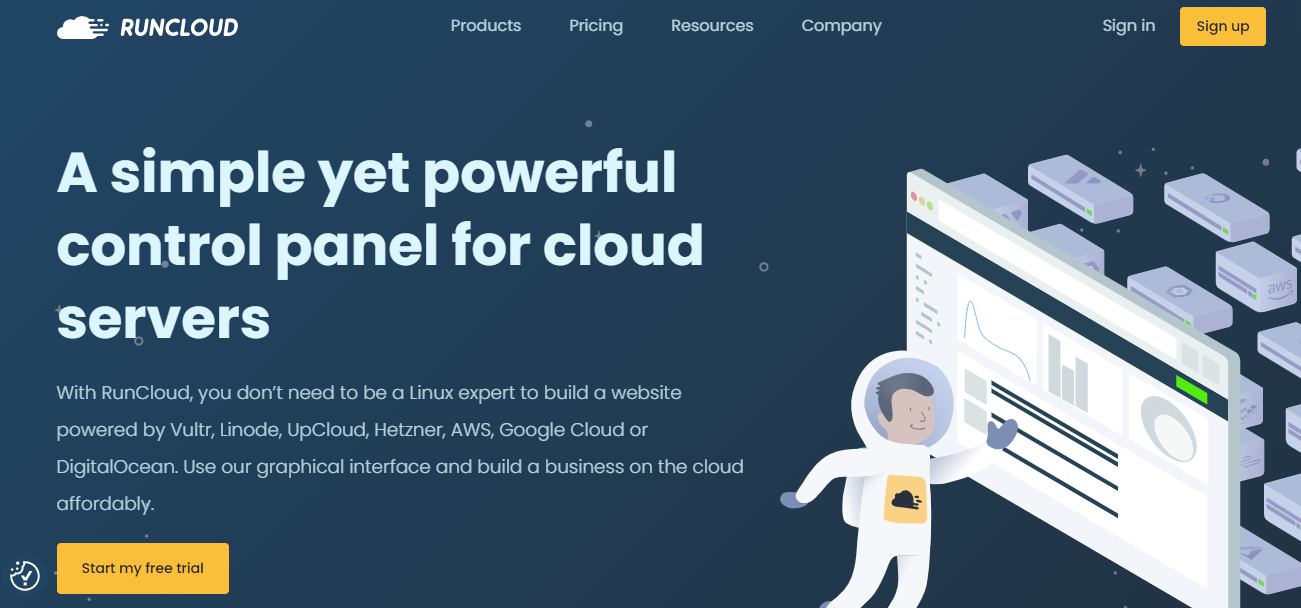
RunCloud is a cloud-based platform that allows users to manage their WordPress sites and other PHP applications. It is a versatile platform that supports both WordPress and other PHP applications, making it a good choice for users who need a platform that can handle a variety of applications. RunCloud has many features that make it a good choice for WordPress users who are looking for fully functional cloud hosting control panels. These features include:
- WordPress-specific tools: RunCloud includes a number of tools that are specifically designed for WordPress users. These tools include a site switcher, a staging environment, and a backup manager.
- Easy SSL certificate management: RunCloud makes it easy to manage SSL certificates for your WordPress sites. You can easily install and renew SSL certificates, and you can also view the status of your certificates.
- Nginx FastCGI cache: RunCloud includes a Nginx FastCGI cache, which can help to improve the performance of your WordPress sites. The cache stores frequently accessed files, which can reduce the amount of time it takes for your pages to load.
- Server firewall: RunCloud includes a server firewall, which can help to protect your WordPress sites from attacks. The firewall blocks unauthorized access to your sites, and it can also help to prevent DDoS attacks.
How much Does it Cost?
RunCloud offers a variety of pricing plans to suit different needs. Plans start at $8 per month for a single server and $15 per month for unlimited servers. RunCloud also offers a free trial, so you can try it out before you commit to a paid plan.
Overall, RunCloud is a versatile and affordable platform that is a good choice for WordPress users who need a platform that can handle a variety of applications. It includes a number of features that make it a good choice for WordPress users, and it offers a variety of pricing plans to suit different needs.
GridPane: Manage Your WordPress Sites in the Cloud With Powerful Features

GridPane is highly praised among some of the most popular cloud hosting control panels, especially in WordPress hosting circles. It is known for its robust features, including support for various cloud hosting providers, a high-performance Nginx tech stack, WordPress staging sites with table exclusions, and other advanced features like self-healing microservices and snapshot failover on higher-tier plans. Here are some of the key features that make GridPane a great choice for one of the best cloud hosting control panels for WordPress:
- Support for various cloud hosting providers: GridPane supports a wide range of cloud hosting providers, including Amazon Web Services (AWS), Google Cloud Platform (GCP), and Microsoft Azure. This gives you the flexibility to choose the cloud provider that best meets your needs.
- High-performance Nginx tech stack: GridPane uses a high-performance Nginx tech stack to deliver blazing-fast speeds for your WordPress sites.
- WordPress staging sites with table exclusions: GridPane makes it easy to create staging sites for your WordPress sites. Staging sites are a great way to test new features and changes before you deploy them to your live site. GridPane also allows you to exclude tables from your staging sites, which can help to improve performance.
- Advanced features: GridPane offers a number of advanced features that can help you improve the performance and security of your WordPress sites. These features include self-healing microservices, snapshot failover, and DDoS protection.
Is It a Bit Pricier Than the Other WordPress Cloud Hosting Control Panels?
While it might be a bit pricier than some other managed WordPress hosting providers, starting at $30 per month, the value you get, especially for multiple servers and sites, is considerable.
If you are looking for managed cloud hosting control panels that offer a wide range of features, high performance, and excellent support, then GridPane could be a great option to consider.
SpinupWP: Simple and Fast WordPress Cloud Hosting Control Panel
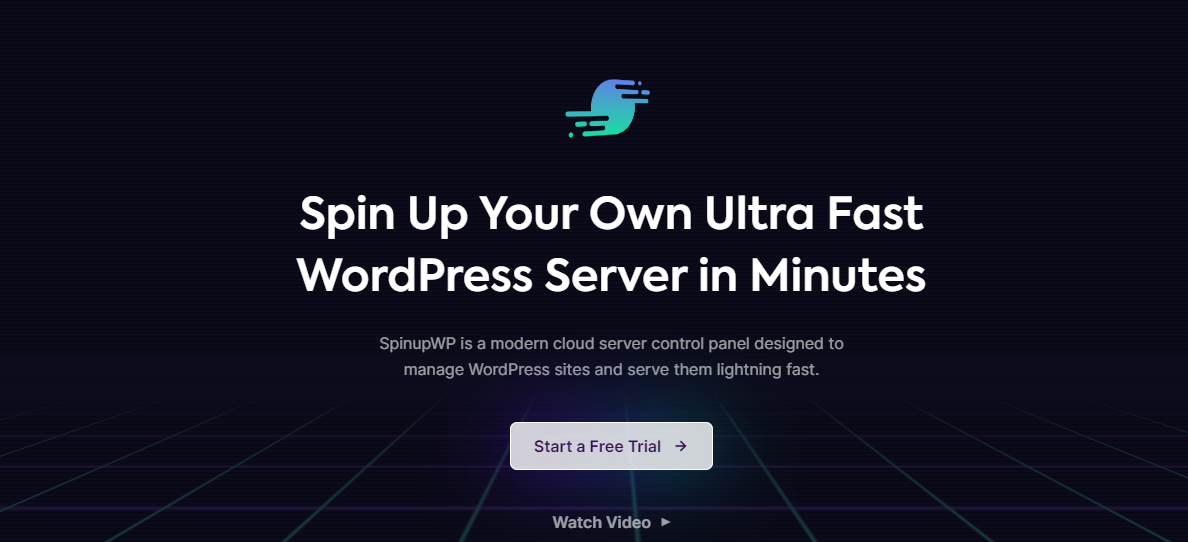
SpinupWP is a simple and effectively managed WordPress cloud hosting control panels among some of the famous ones. It’s a great option for those who want a WordPress-focused solution that doesn’t require a lot of technical knowledge. Now let us talk about some of the most notable features of SpinupWP:
- Automatic SSL certificates: SpinupWP automatically generates and installs SSL certificates for your WordPress sites, so you don’t have to worry about doing it yourself.
- Nginx FastCGI caching optimized for WordPress: SpinupWP uses Nginx FastCGI caching, which is a caching technology that is specifically optimized for WordPress. This can help to improve the performance of your WordPress sites.
- Redis object caching: SpinupWP also uses Redis object caching, which can help to further improve the performance of your WordPress sites.
- Scheduled backups to various external services: SpinupWP automatically backs up your WordPress sites to various external services, such as Google Drive, Dropbox, and Amazon S3. This can help to protect your data in case of a disaster.
How Much Should You Spend to Use this Hosting Control Panel?
SpinupWP’s pricing model is based on the number of servers you need to connect. Starting at $12 per month for a single server, SpinupWP is a relatively affordable option for managed WordPress hosting. However, it’s worth noting that SpinupWP may not have as extensive a feature set as some other options on this list. For example, SpinupWP does not offer a CDN or a staging environment.
Overall, SpinupWP is a great option for those who want a simple, effective, and affordable managed WordPress hosting solution. However, it’s important to be aware of its limitations before you sign up.
ServerPilot: Simple WordPress Cloud Hosting Control Panel
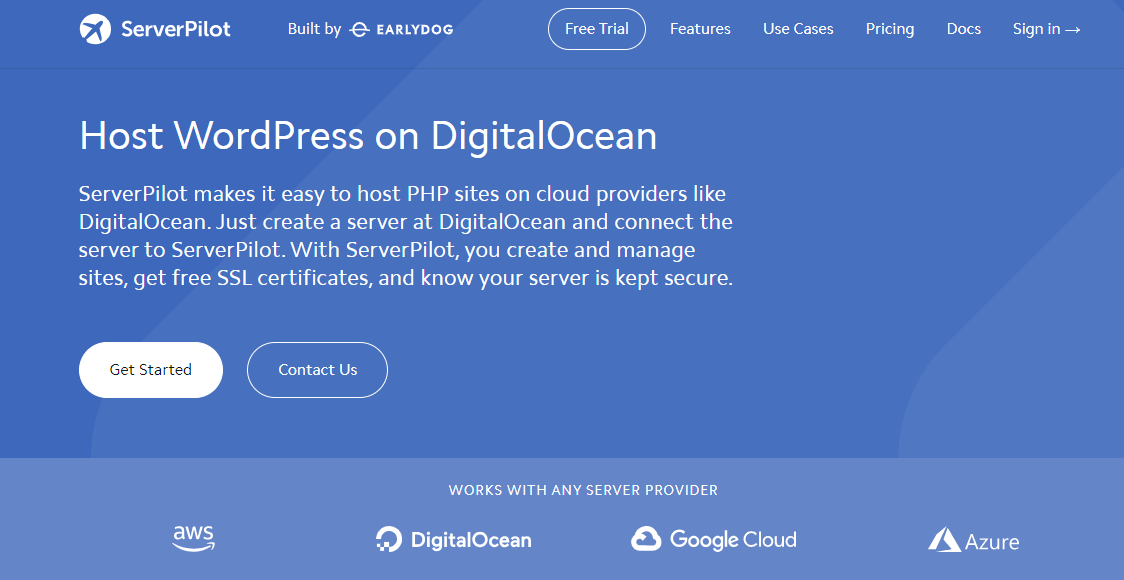
ServerPilot is one of the older cloud hosting control panels. It is a popular control panel for managing PHP applications, including WordPress. It is known for its ease of use, security, and affordability.
ServerPilot is a simple control panel but it is still a powerful and reliable tool. The interface of the cloud hosting panel is clean and intuitive, and their documentation is comprehensive so that everyone understands it easily even if you do not have any technical background. With ServerPilot, you can:
- Automated WordPress installation and updates.
- Secure hosting environment with built-in firewall and DDoS protection.
- Customizable PHP settings.
- One-click staging and deployment.
- Built-in CDN for faster page load times.
ServerPilot is also very secure. It uses a variety of security measures to protect your data, including SSL encryption, two-factor authentication, and IP whitelisting.
How Much Does It Cost For This Shared Hosting?
ServerPilot is affordable, starting at just $5 per month. This makes it a great option for small businesses and individuals who are looking for a reliable and affordable control panel.
While ServerPilot does not have as many features as some of its competitors, it is still a powerful and reliable tool. It is easy to use, secure, and affordable. ServerPilot is a great choice for those looking for a basic yet reliable solution for managing their PHP applications. However, businesses that need more features may want to consider a different platform.
Choose One and Start Your Journey with Cloud Hosting
As we wrap up our blog, remember that the right cloud hosting control panel is more than just a dashboard – it’s the backbone of your website’s success in the cloud. Each panel we’ve looked at has unique features whether you prioritize ease of use, advanced functionalities, or cost-effectiveness, these hosting control panels are designed to elevate your WordPress experience smoothly.
With this knowledge, you’re now prepared to make an informed decision that could meet your website’s needs and your goals in choosing cloud hosting control panels. Choose wisely and watch as your WordPress site reaches new heights in the cloud, effortlessly and efficiently. So embrace the future of web hosting with confidence, knowing that your perfect hosting control panel is just a click away!
Did you find this article on the best cloud hosting control panels useful? Don’t keep them to yourself – share them with your friends and family! Also, make sure to subscribe to our blog for your regular dose of expert tips and join our Facebook community to stay updated.